 Coupled
In this guide 4 steps
-
Step 1
Tap the Chats tab or slide the Coupled screen to start using the chat feature.

-
Step 2
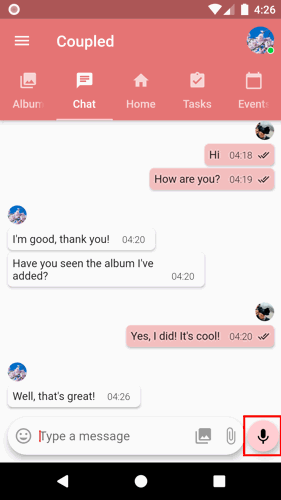
Tap the Audio Record button.
-
Step 3
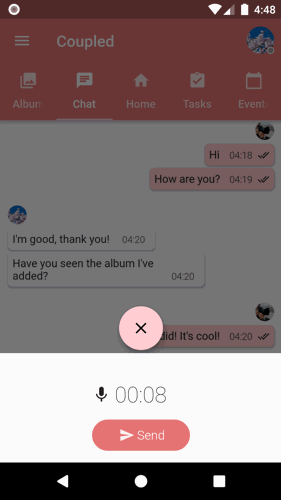
Record your audio attachment.
-
Note: Audio recording starts as soon as you tap the audio record button.
-
Step 4
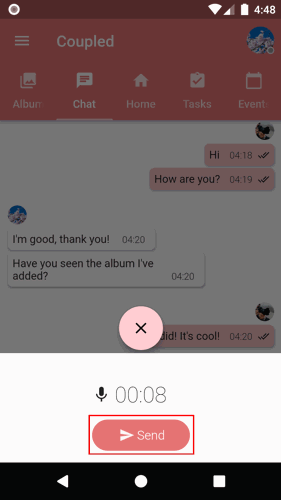
Tap the Send button to send the audio recording to your partner.
1. Tap the Chats tab or slide the Coupled screen to start using the chat feature.
2. Tap the Audio Record button.
3. Record your audio attachment.
Note: Audio recording starts as soon as you tap the audio record button.
4. Tap the Send button to send the audio recording to your partner.