 Sober Time
In this guide 4 steps
-
Overview
Deleting your Cloud Sync account removes all of your backups from our cloud. The data in the app stays on your device.
-
Step 1
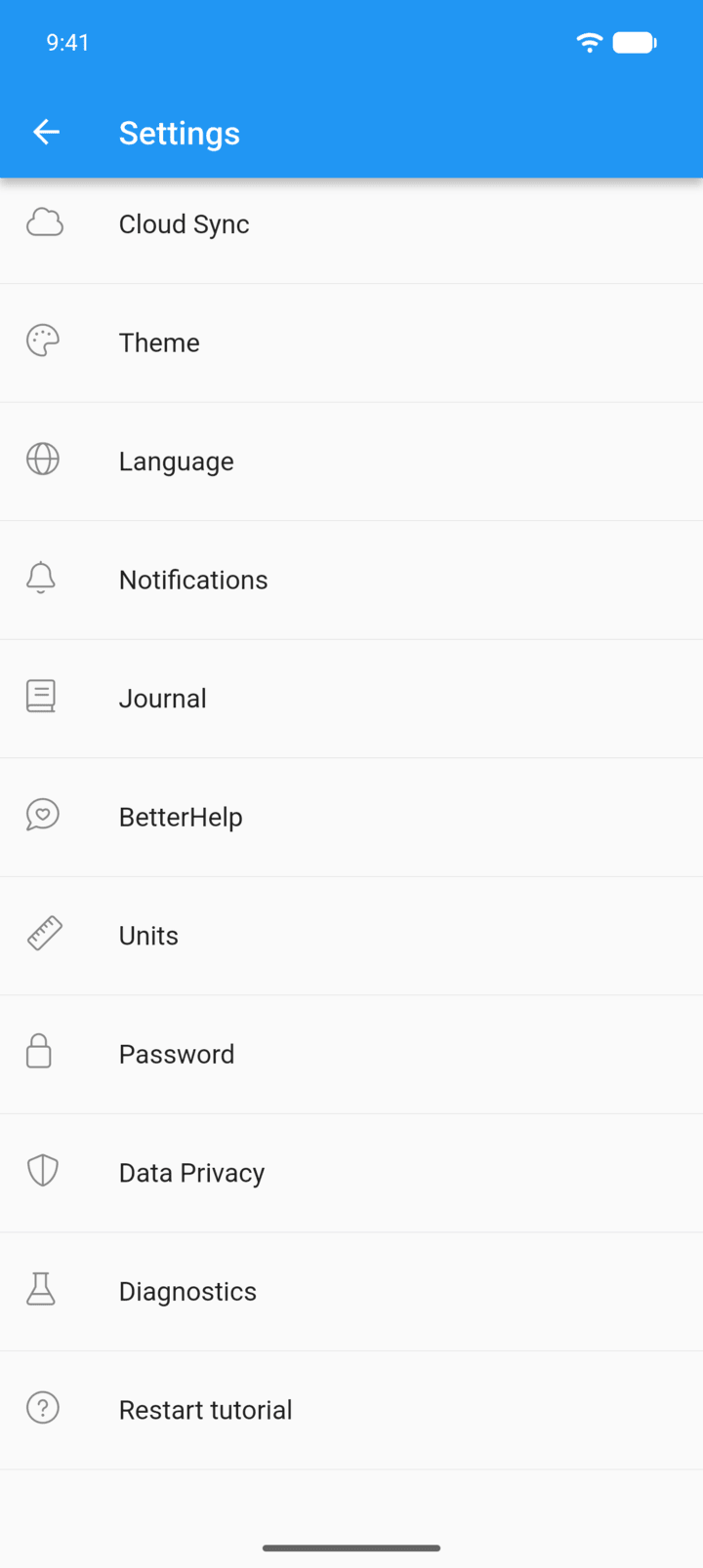
Tap the menu button ☰ in the top-left corner, then tap Settings › Cloud Sync.
-
Step 2
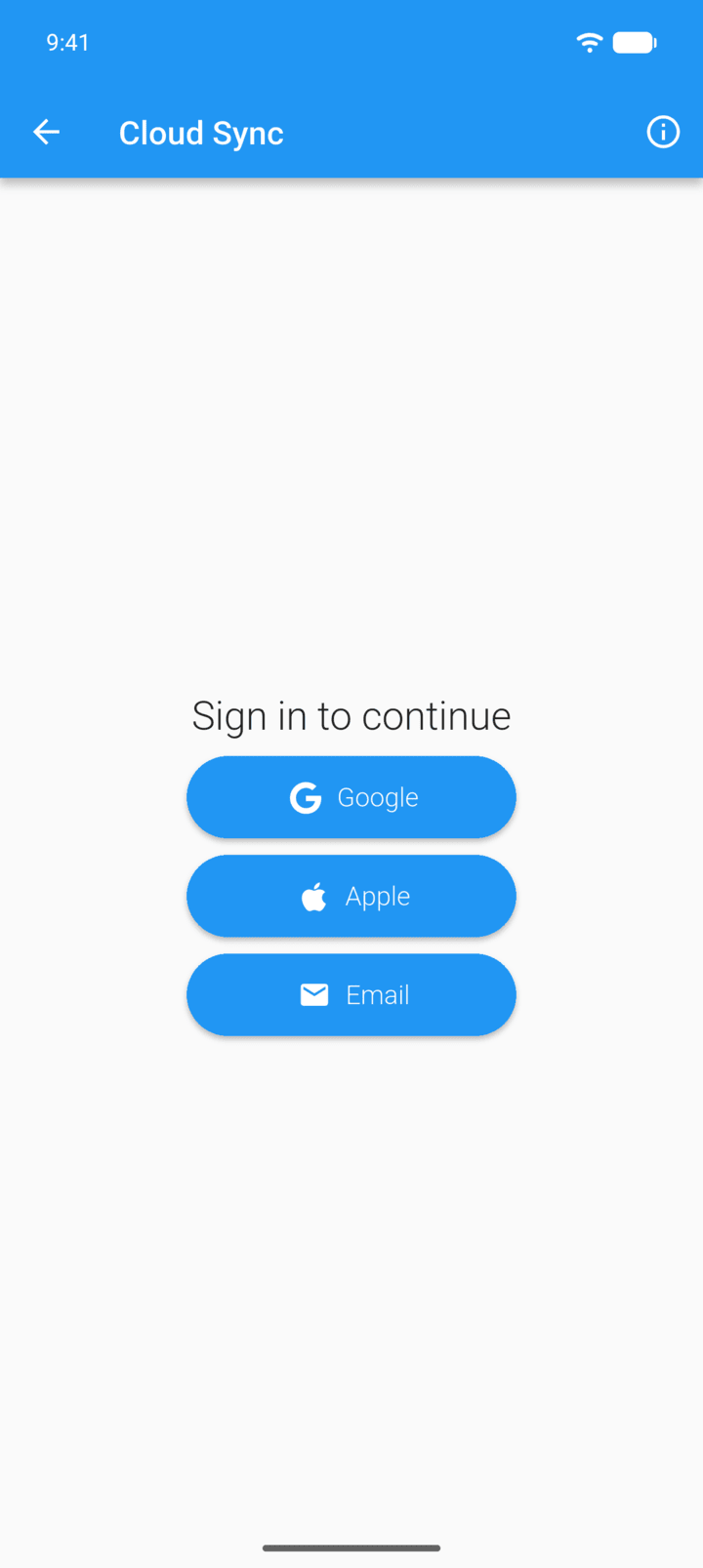
Sign in with Google, Apple or Email.
-
Step 3
Tap the account row with ⋮ at the top of the page.
-
Step 4
Tap DELETE ACCOUNT, then tap Delete.
This can't be undone.
Deleting your Cloud Sync account removes all of your backups from our cloud. The data in the app stays on your device.
- Tap the menu button ☰ in the top-left corner, then tap Settings › Cloud Sync.
- Sign in with Google, Apple or Email.
- Tap the account row with ⋮ at the top of the page.
- Tap DELETE ACCOUNT, then tap Delete.
This can't be undone.