 7Z
7Z
In this guide 4 steps
-
Overview
Bought Premium before, or set up a new phone? Restore it with the Google account you used to buy it.
-
Step 1
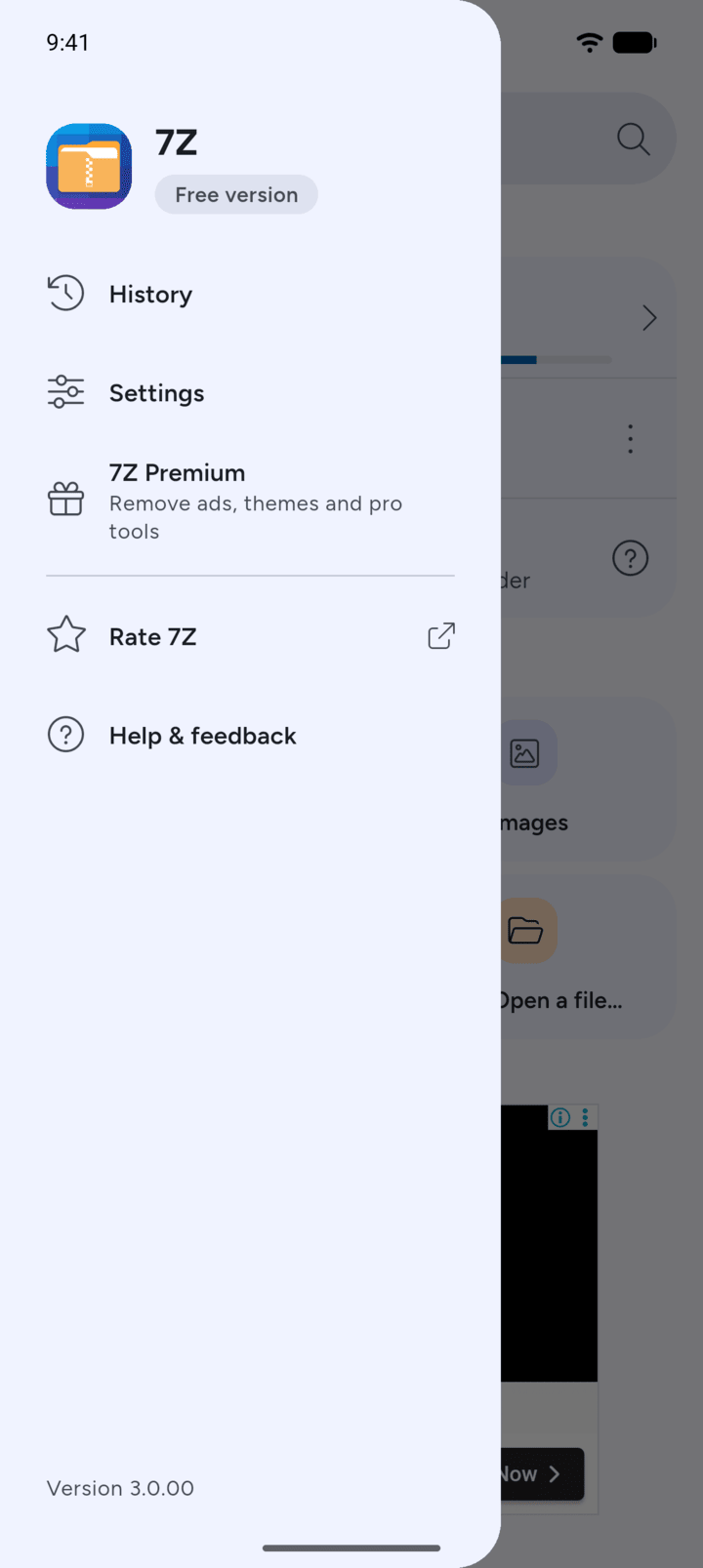
On Home, tap the menu button at the top left, then tap Settings.
-
Step 2
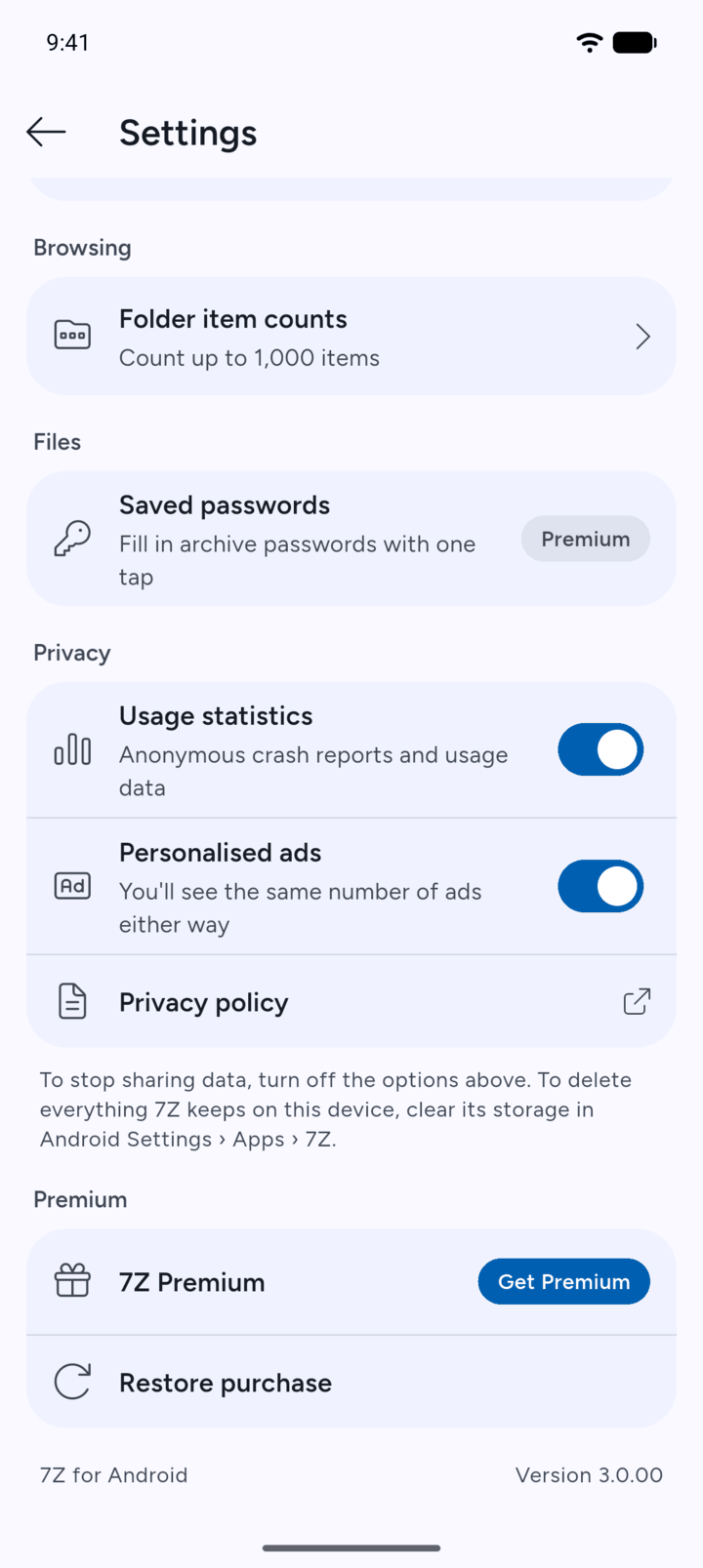
Under Premium, tap Restore purchase.
-
Step 3
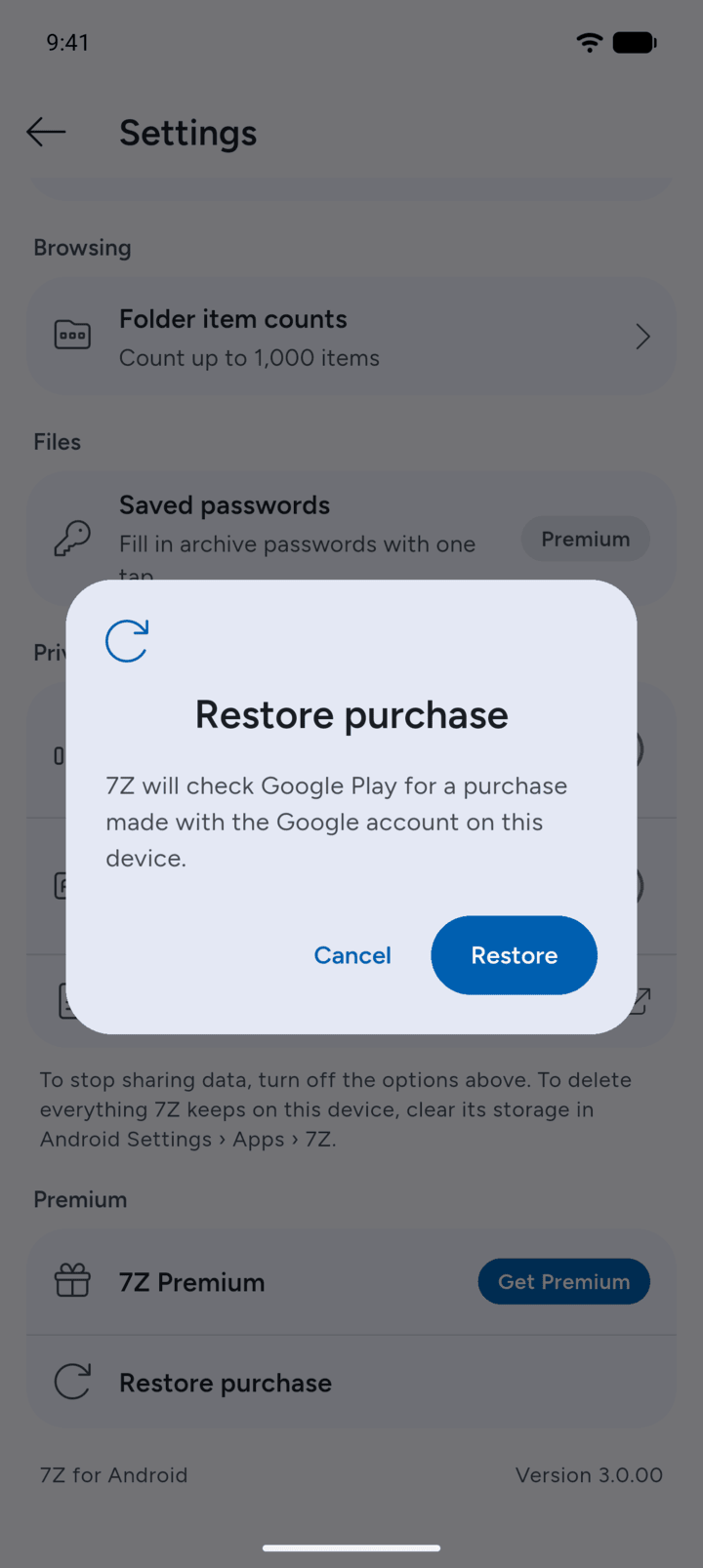
Tap Restore. 7Z checks Google Play for a purchase made with the Google account on this device.
-
Step 4
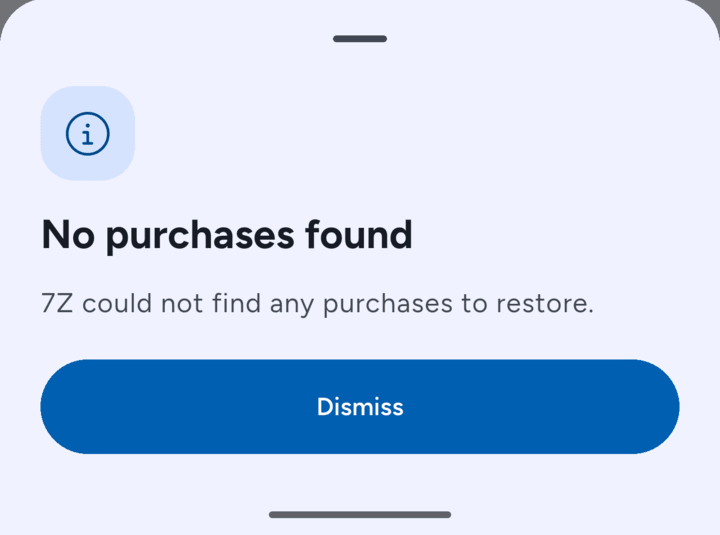
If 7Z finds your purchase, Premium is activated. If it shows No purchases found, check that you're signed in to Google Play with the account you used to buy Premium, then try again.
-
You can also tap Restore purchase at the top of the 7Z Premium page.
Bought Premium before, or set up a new phone? Restore it with the Google account you used to buy it.
- On Home, tap the menu button at the top left, then tap Settings.
- Under Premium, tap Restore purchase.
- Tap Restore. 7Z checks Google Play for a purchase made with the Google account on this device.
- If 7Z finds your purchase, Premium is activated. If it shows No purchases found, check that you're signed in to Google Play with the account you used to buy Premium, then try again.
You can also tap Restore purchase at the top of the 7Z Premium page.