 Sober Time
In this guide 3 steps
-
Overview
On Android, the Status notification keeps your trackers in the notification bar.
-
Step 1
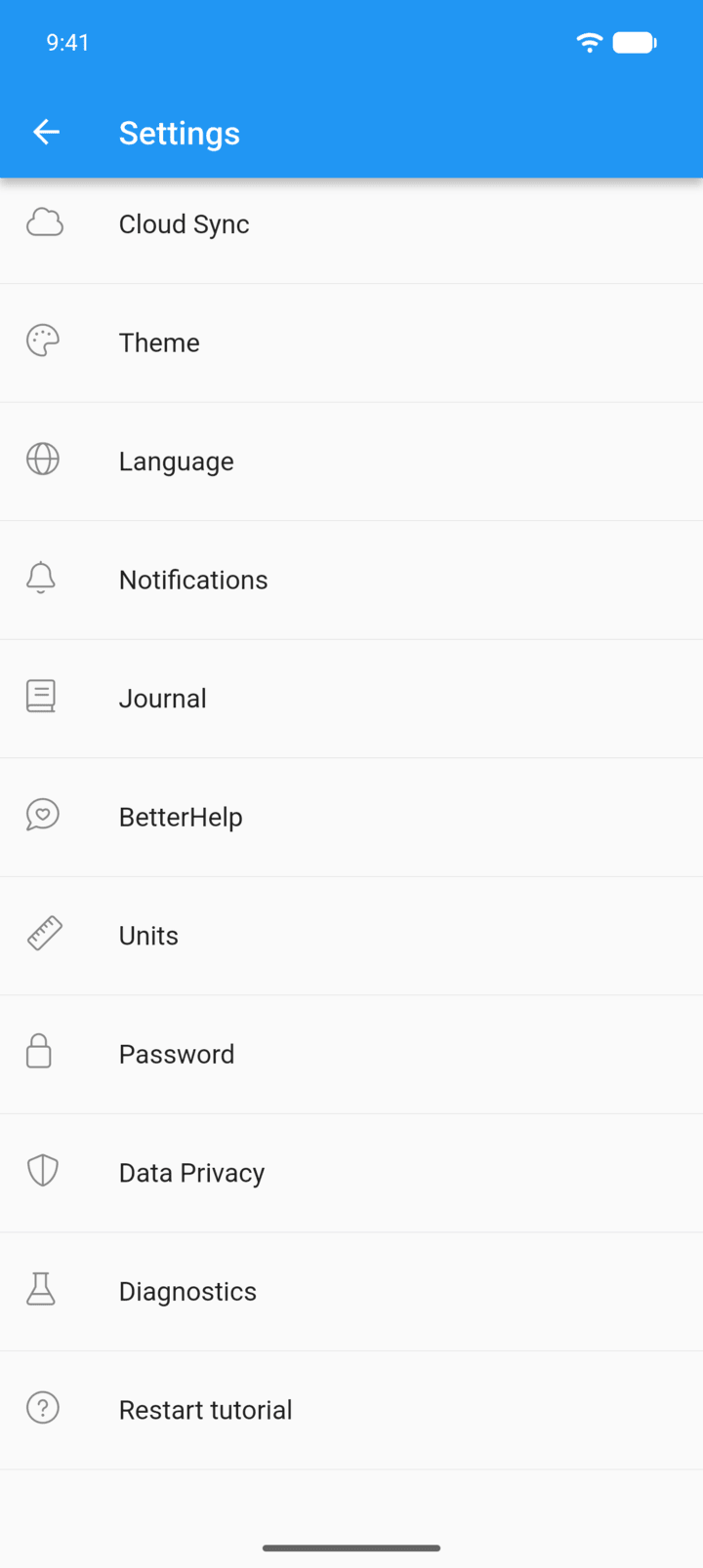
Tap the menu button ☰ in the top-left corner, then tap Settings › Notifications.
-
Step 2
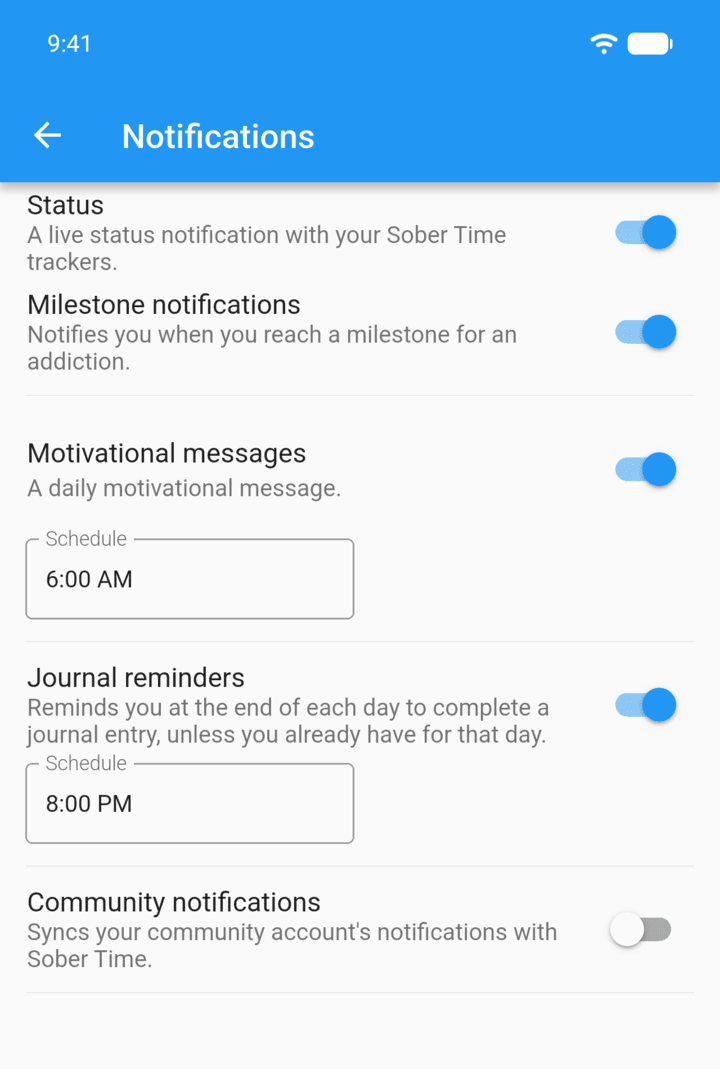
Turn on Status.
-
Step 3
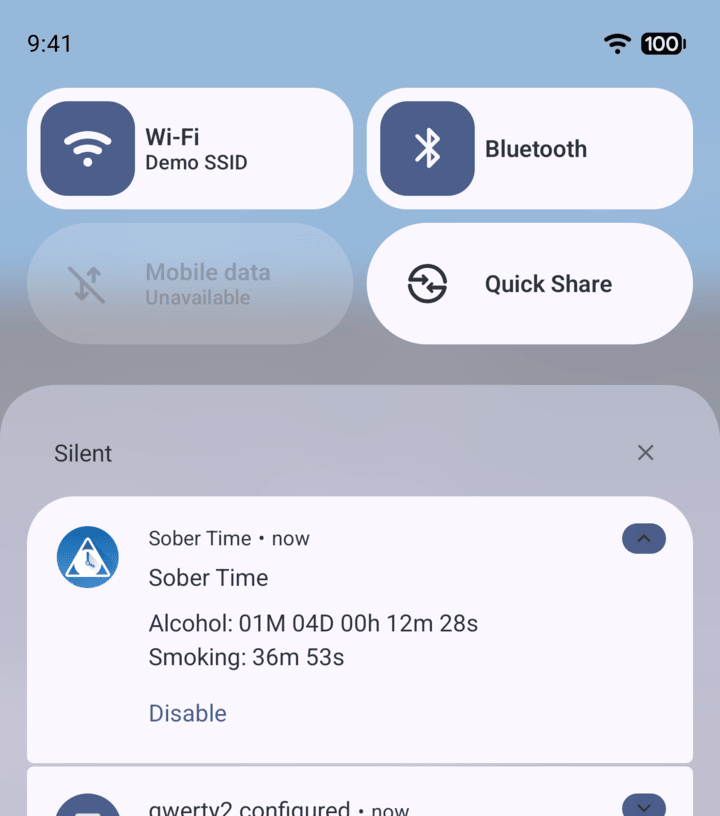
Swipe down from the top of the screen to see your trackers.
-
Tap Disable on the notification to turn it off.
On Android, the Status notification keeps your trackers in the notification bar.
- Tap the menu button ☰ in the top-left corner, then tap Settings › Notifications.
- Turn on Status.
- Swipe down from the top of the screen to see your trackers.
Tap Disable on the notification to turn it off.