 Sober Time
In this guide 4 steps
-
Overview
Sober Time has standard milestones from your first five minutes up to five years. You earn a badge for each one.
-
Step 1
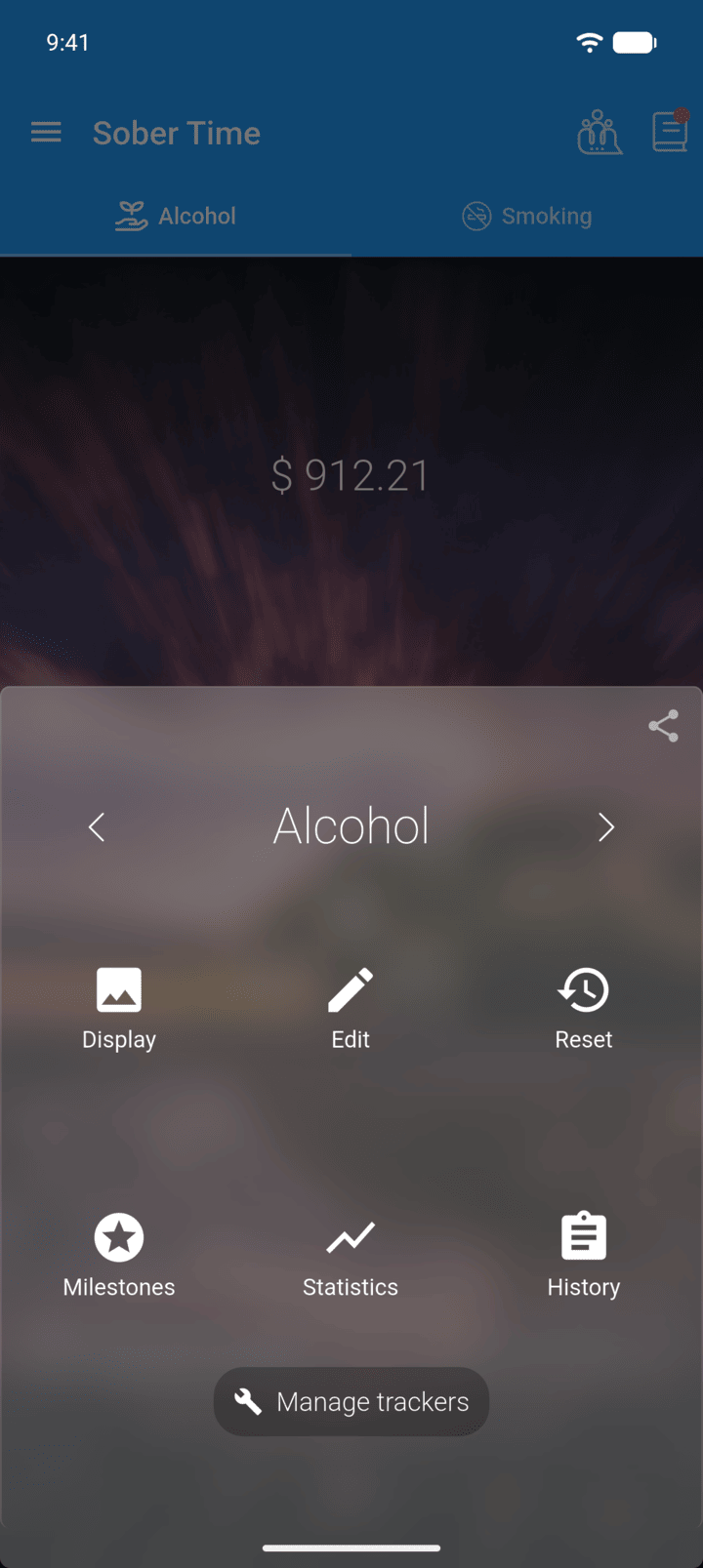
On the Home screen, swipe to the tracker you want. Tap the round arrow button at the bottom of the screen to open its options. Tap Milestones.
-
Step 2
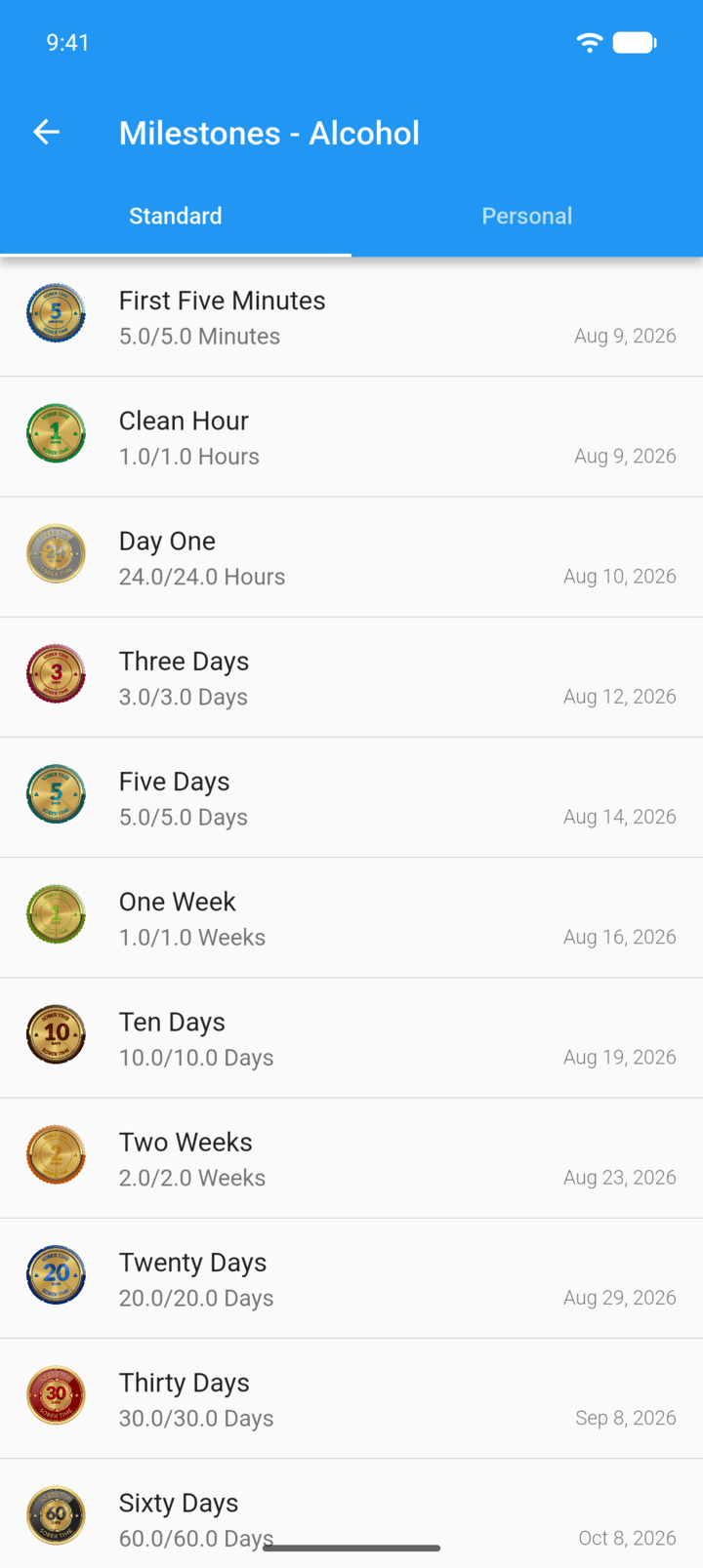
The Standard tab lists every milestone with the date you reach it. Badges you haven't earned yet are grey.
-
Step 3
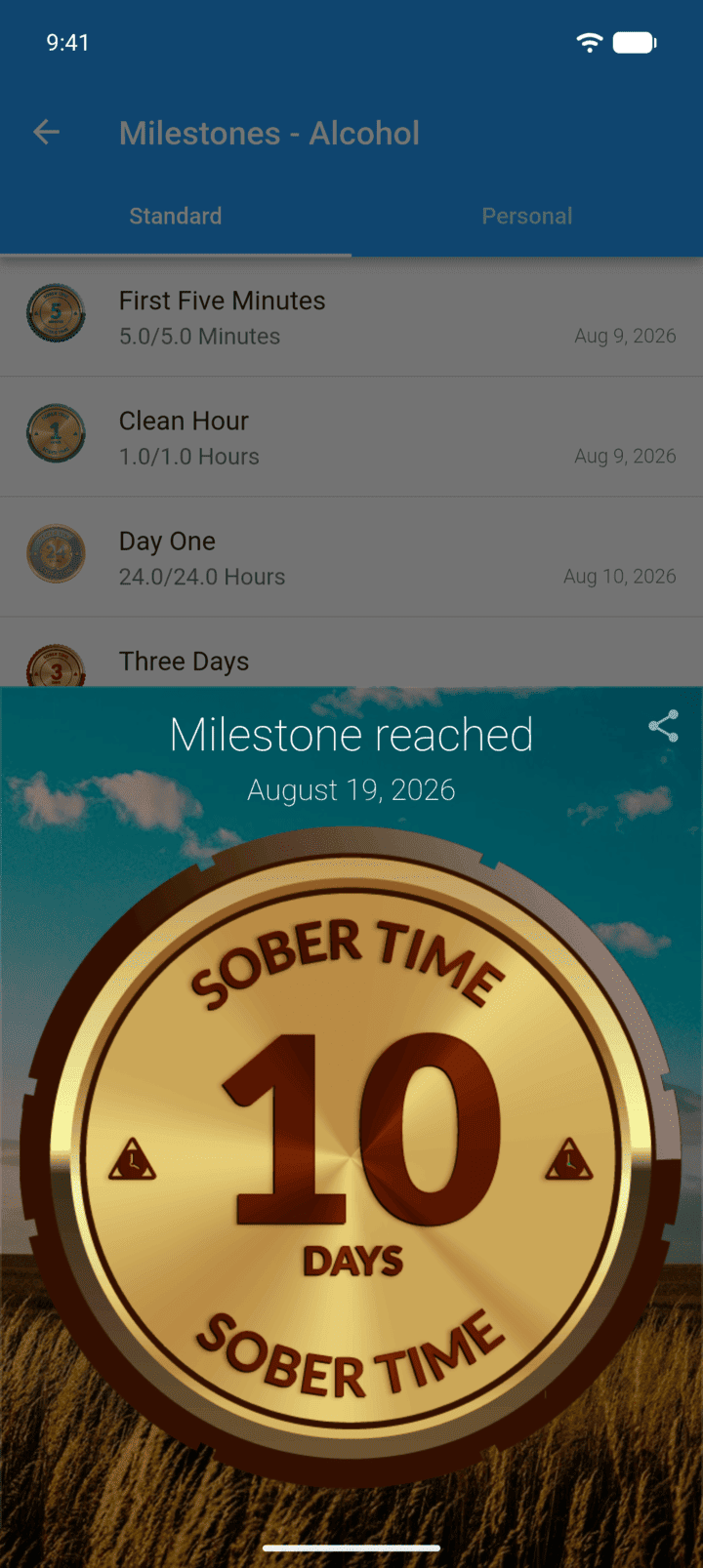
Tap a milestone you've reached to see its badge.
-
Step 4
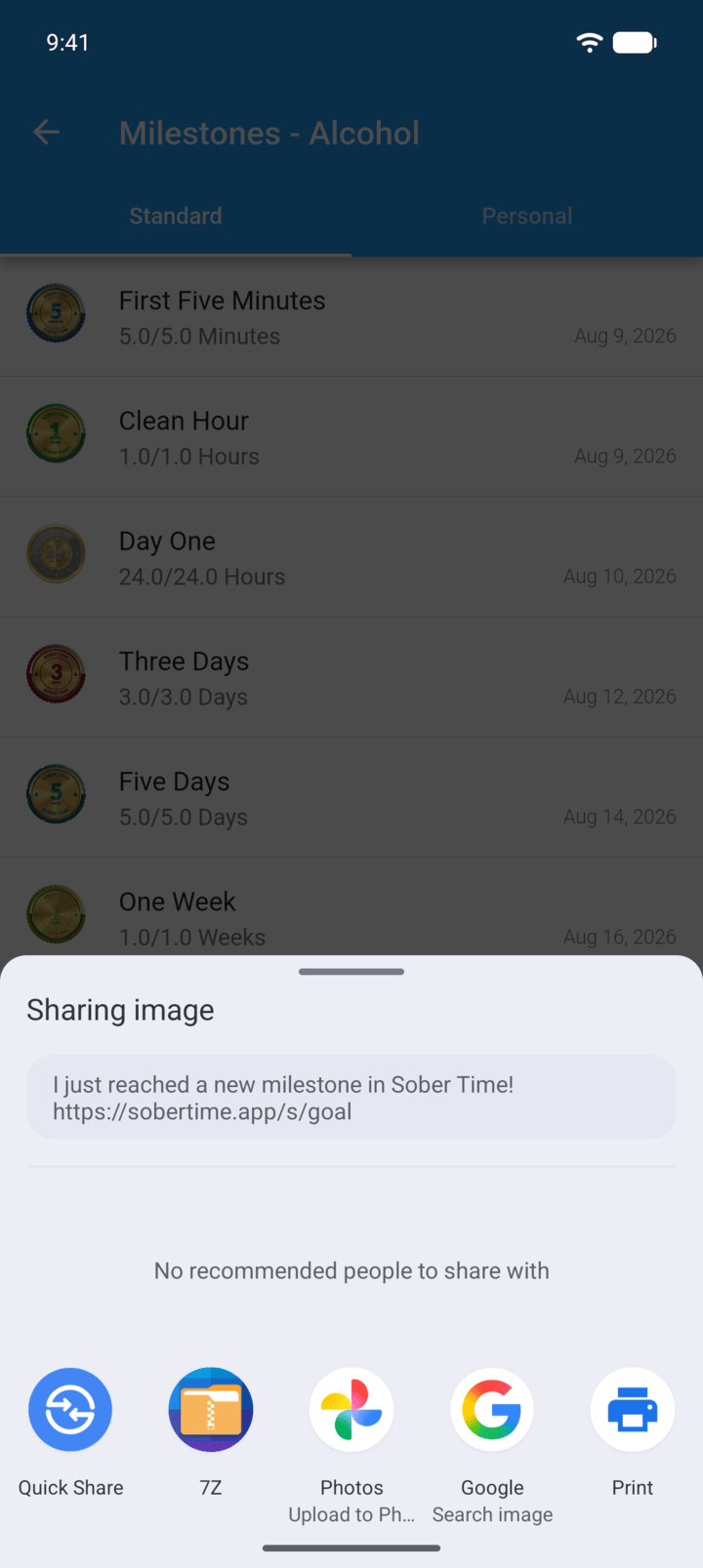
Tap the share icon to share the badge.
-
Turn on Milestone notifications in Settings › Notifications to be told when you reach one.
Sober Time has standard milestones from your first five minutes up to five years. You earn a badge for each one.
- On the Home screen, swipe to the tracker you want. Tap the round arrow button at the bottom of the screen to open its options. Tap Milestones.
- The Standard tab lists every milestone with the date you reach it. Badges you haven't earned yet are grey.
- Tap a milestone you've reached to see its badge.
- Tap the share icon to share the badge.
Turn on Milestone notifications in Settings › Notifications to be told when you reach one.