 Sober Time
In this guide 4 steps
-
Overview
Premium subscribers can add a title and an icon to their Talking Sober profile.
-
Step 1
Open the community and tap the heart icon in the top bar. If you don't have an active subscription, it shows Perks instead.
-
Step 2
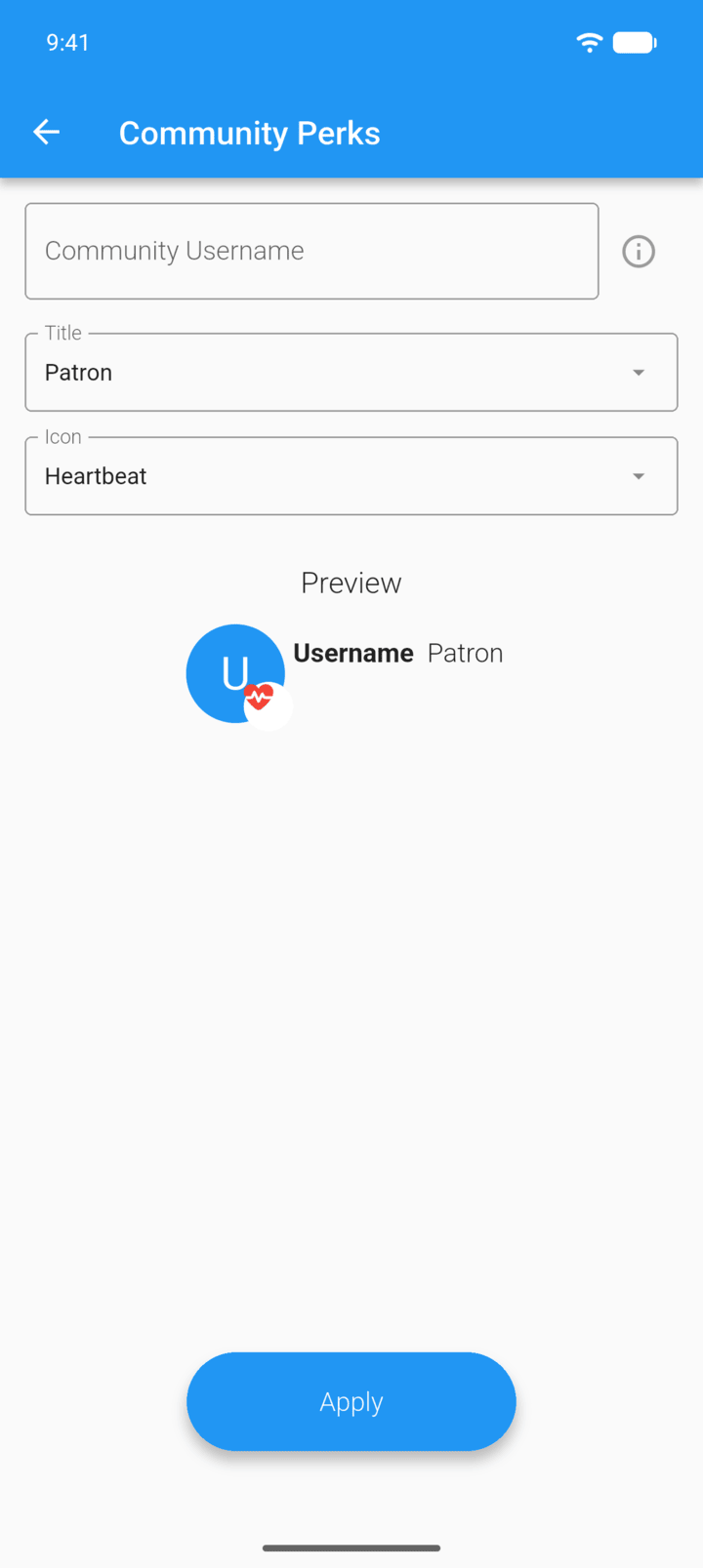
Enter your Community Username.
-
Step 3
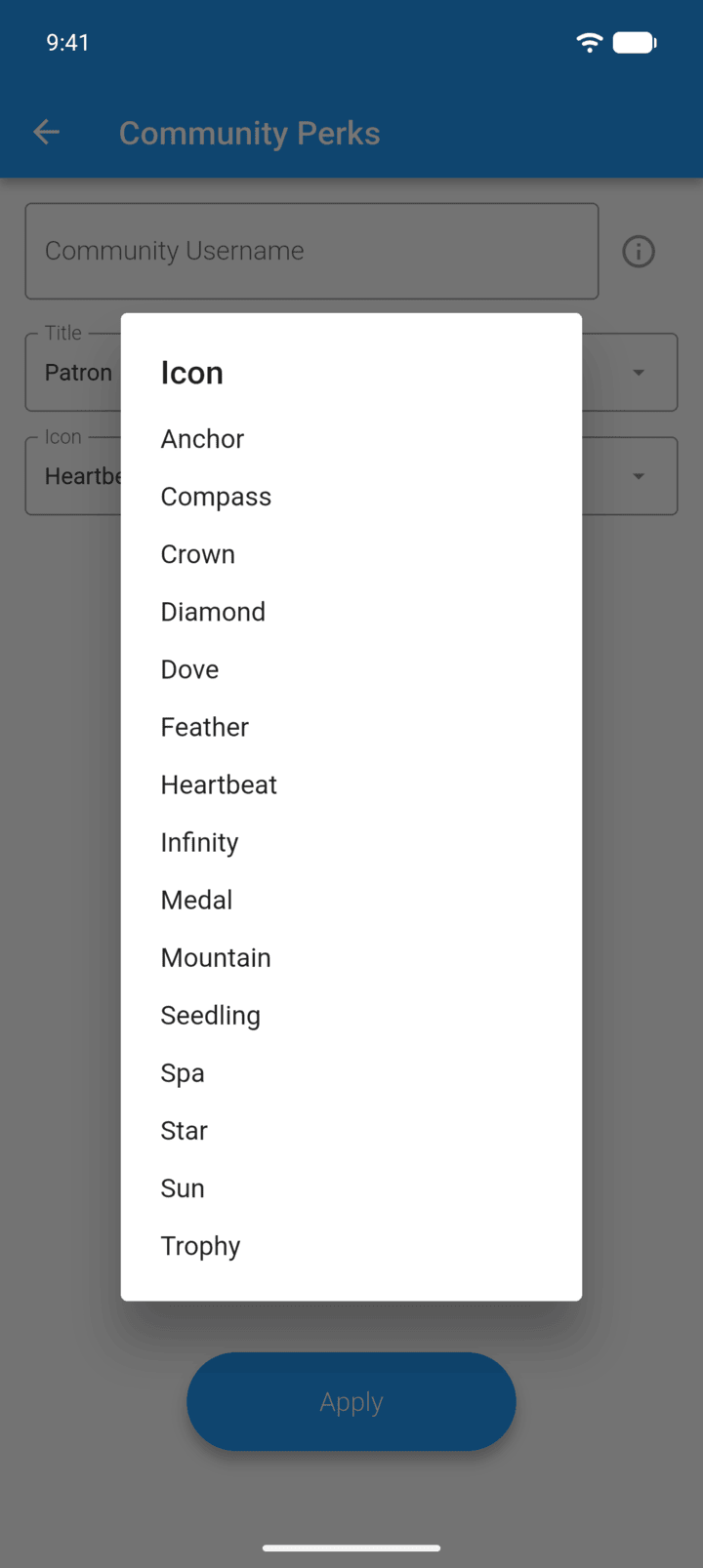
Choose a Title and an Icon. The Preview shows how they look.
-
Step 4
Tap Apply.
Community perks need an active Premium subscription. A one-time Premium purchase from an earlier version doesn't include them.
Premium subscribers can add a title and an icon to their Talking Sober profile.
- Open the community and tap the heart icon in the top bar. If you don't have an active subscription, it shows Perks instead.
- Enter your Community Username.
- Choose a Title and an Icon. The Preview shows how they look.
- Tap Apply.
Community perks need an active Premium subscription. A one-time Premium purchase from an earlier version doesn't include them.