 Sober Time
In this guide 2 steps
-
Overview
Talking Sober is our community for people in recovery. You can read posts without an account.
-
Step 1
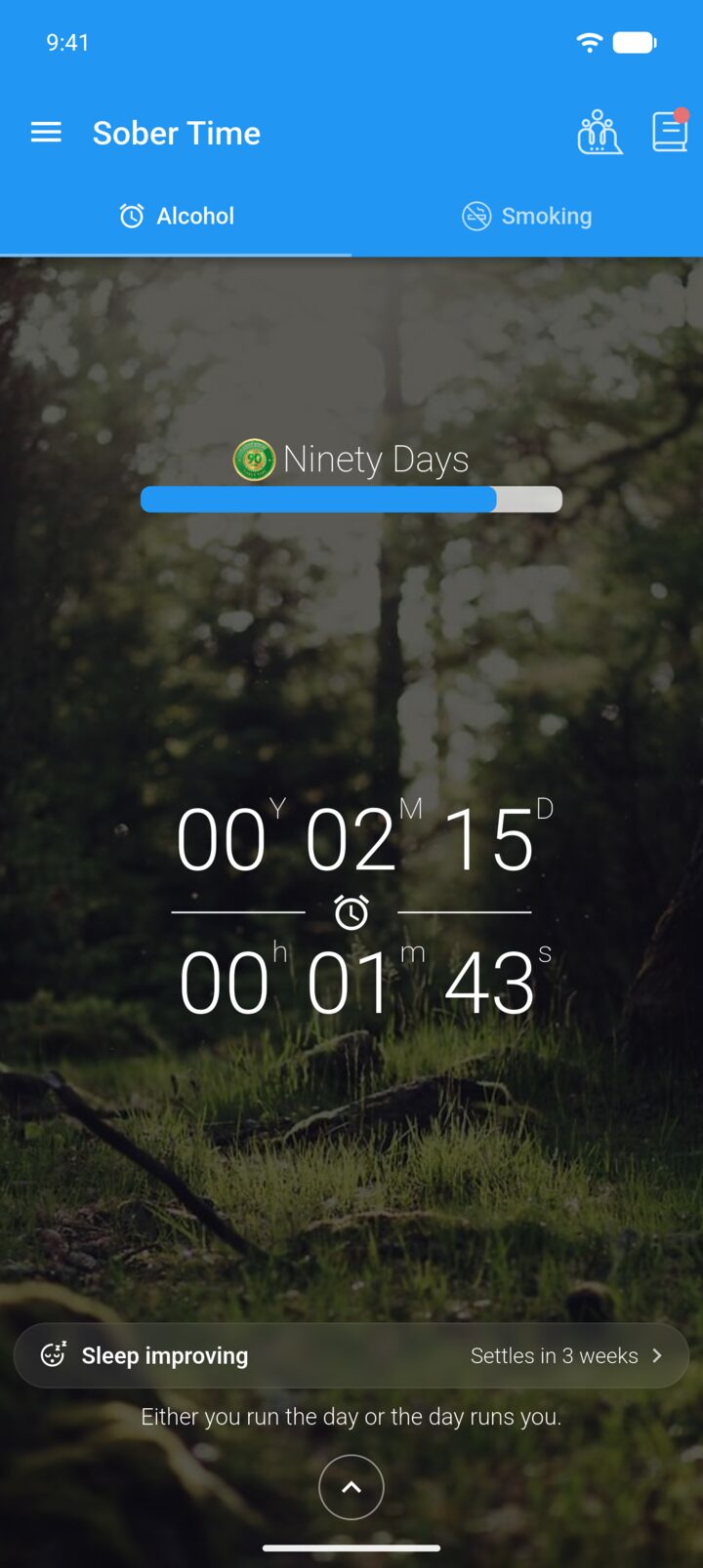
On the Home screen, tap the community icon in the top-right corner. You can also open it from the main menu.
-
Step 2
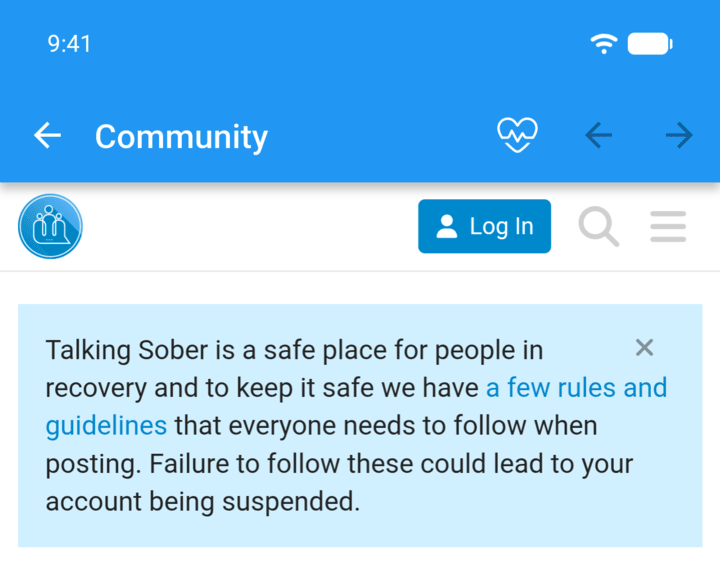
Read posts, or tap Log In to sign in or create a free account.
-
You need an account to post, reply or like posts. Please read the community rules before posting.
Talking Sober is our community for people in recovery. You can read posts without an account.
- On the Home screen, tap the community icon in the top-right corner. You can also open it from the main menu.
- Read posts, or tap Log In to sign in or create a free account.
You need an account to post, reply or like posts. Please read the community rules before posting.