 Sober Time
In this guide 3 steps
-
Overview
Your Talking Sober account is managed on the community website.
-
Step 1
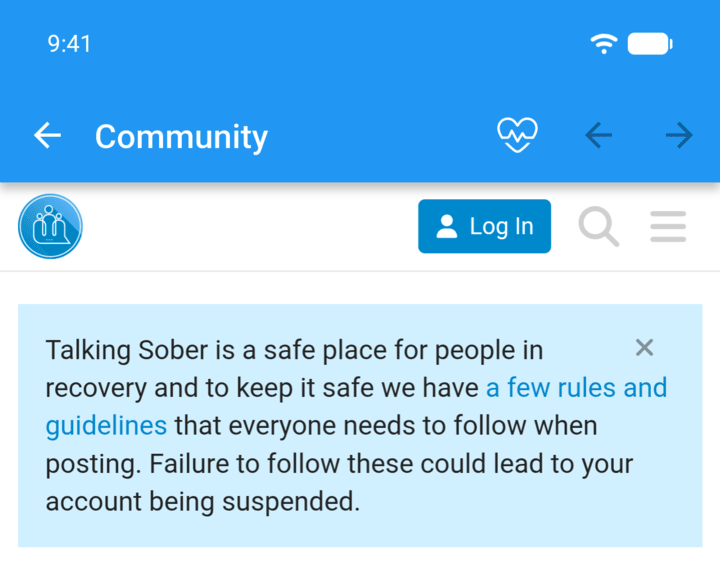
Open the community and sign in.
-
Step 2
Tap your profile picture in the top-right corner, then the account icon, then Preferences.
-
Step 3
Scroll down and tap Delete My Account, then confirm.
Delete your posts first if you want them removed too. Ask one of the moderators if you need help.
Your Talking Sober account is managed on the community website.
- Open the community and sign in.
- Tap your profile picture in the top-right corner, then the account icon, then Preferences.
- Scroll down and tap Delete My Account, then confirm.
Delete your posts first if you want them removed too. Ask one of the moderators if you need help.