 Sober Time
In this guide 5 steps
-
Overview
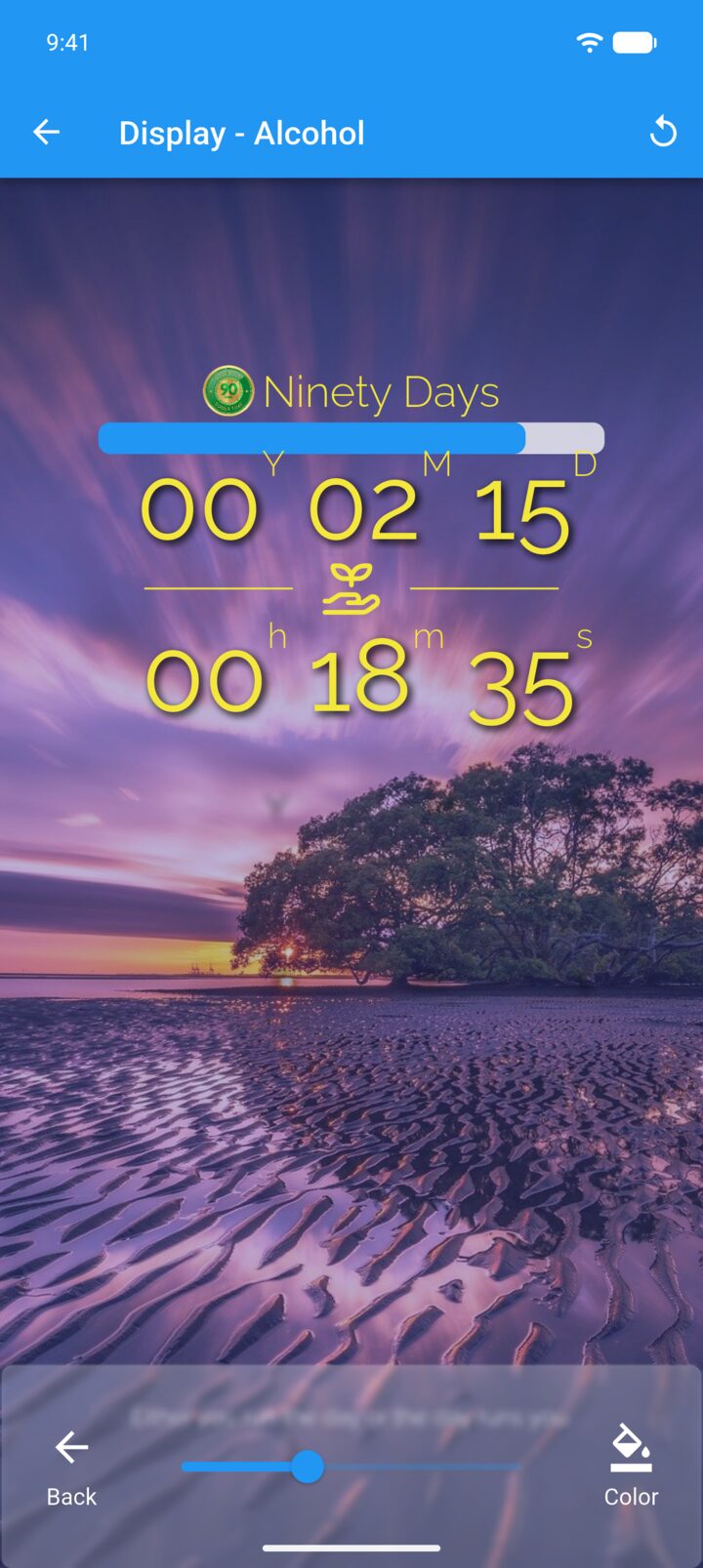
The tint darkens or colors the background so the tracker is easier to read.
-
Step 1
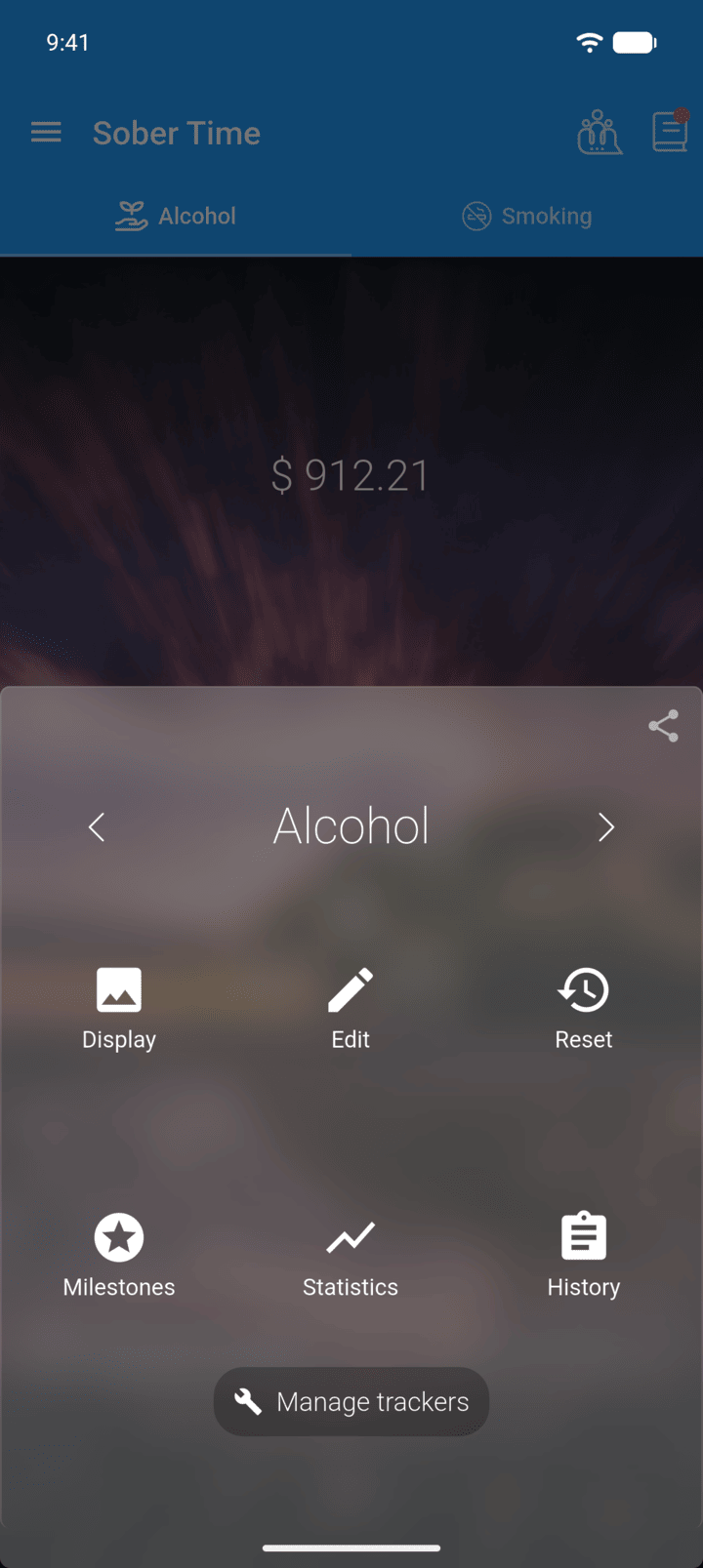
On the Home screen, swipe to the tracker you want. Tap the round arrow button at the bottom of the screen to open its options.
-
Step 2
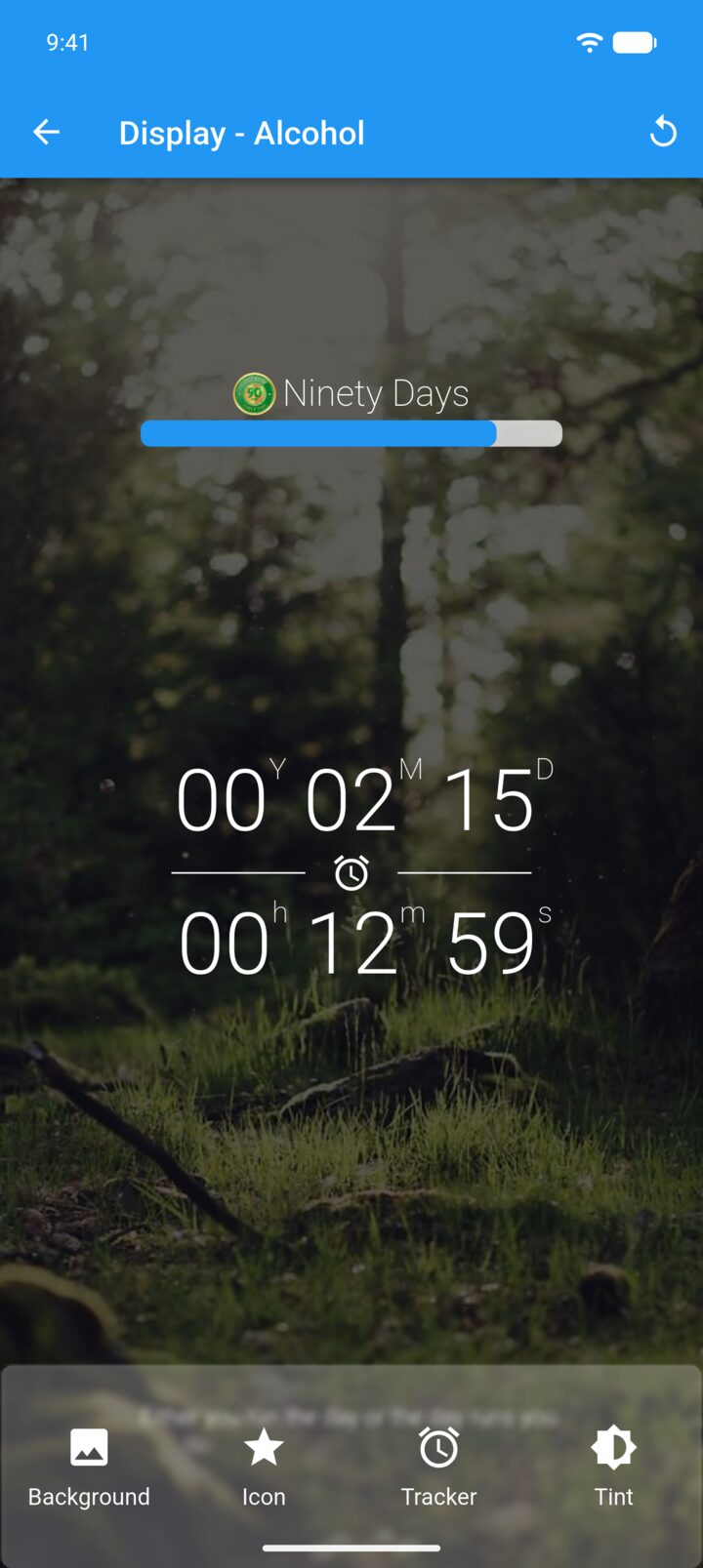
Tap Display.
-
Step 3
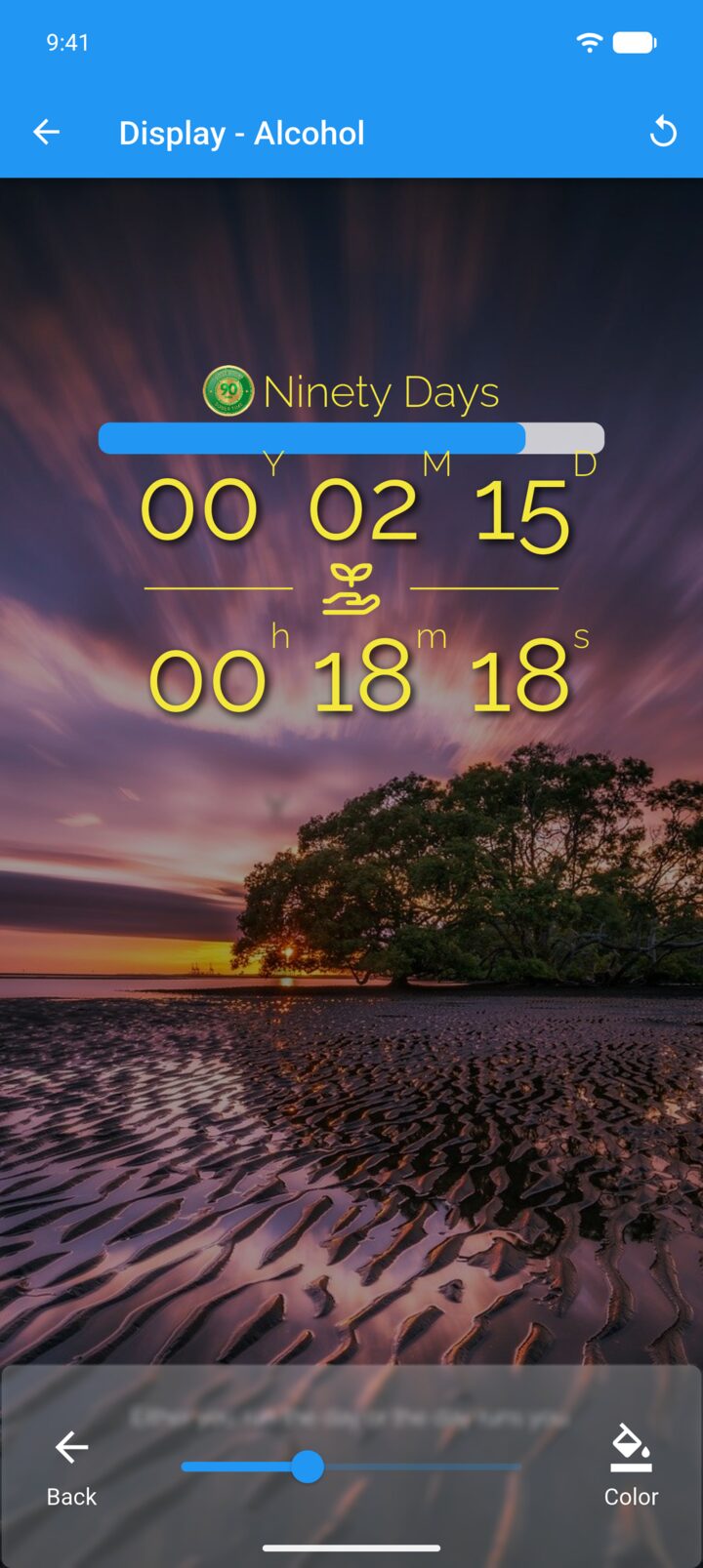
Tap Tint and drag the slider to make the background lighter or darker.
-
Step 4
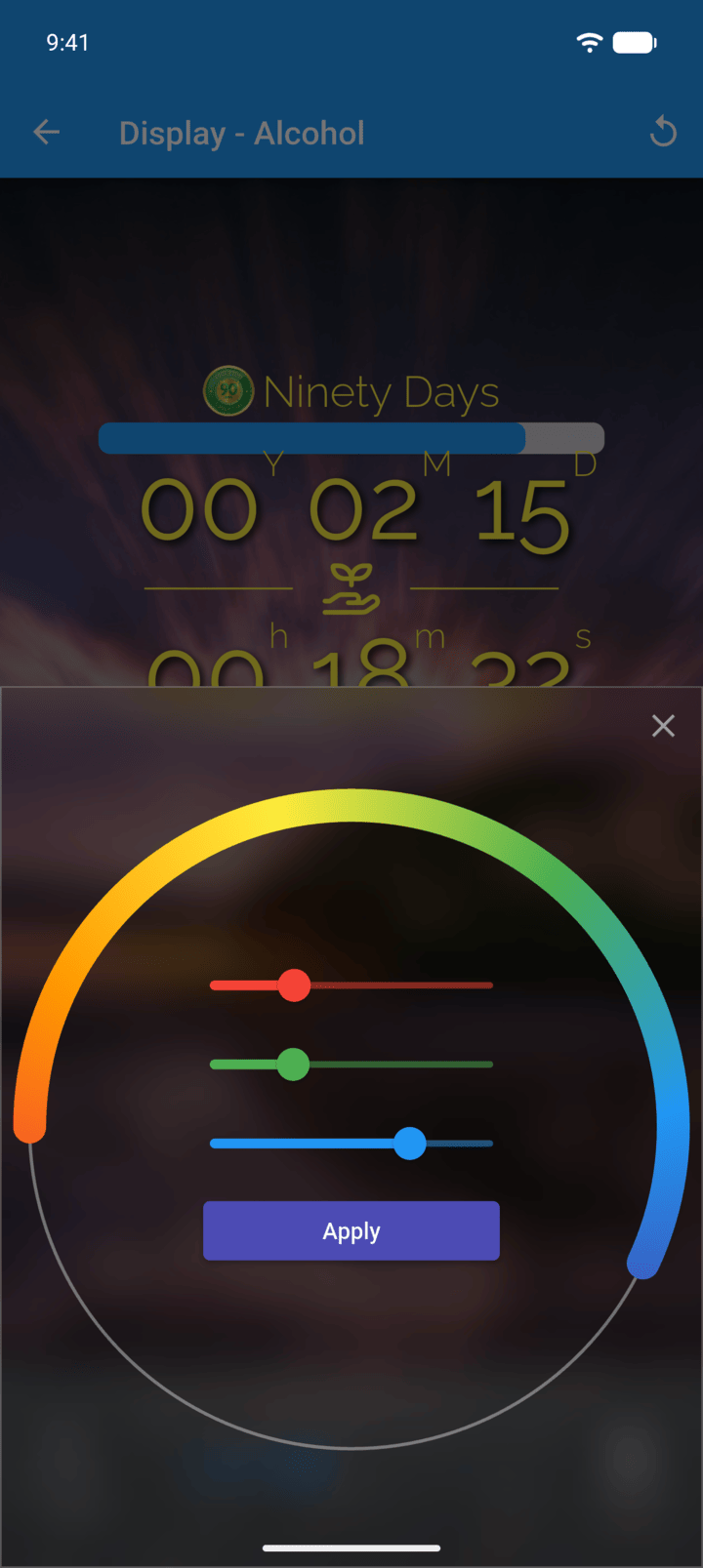
To change the tint's color, tap Color, pick a color and tap Apply.
-
Step 5
The new tint is applied straight away.
The tint darkens or colors the background so the tracker is easier to read.
- On the Home screen, swipe to the tracker you want. Tap the round arrow button at the bottom of the screen to open its options.
- Tap Display.
- Tap Tint and drag the slider to make the background lighter or darker.
- To change the tint's color, tap Color, pick a color and tap Apply.
- The new tint is applied straight away.