 Sober Time
In this guide 4 steps
-
Step 1
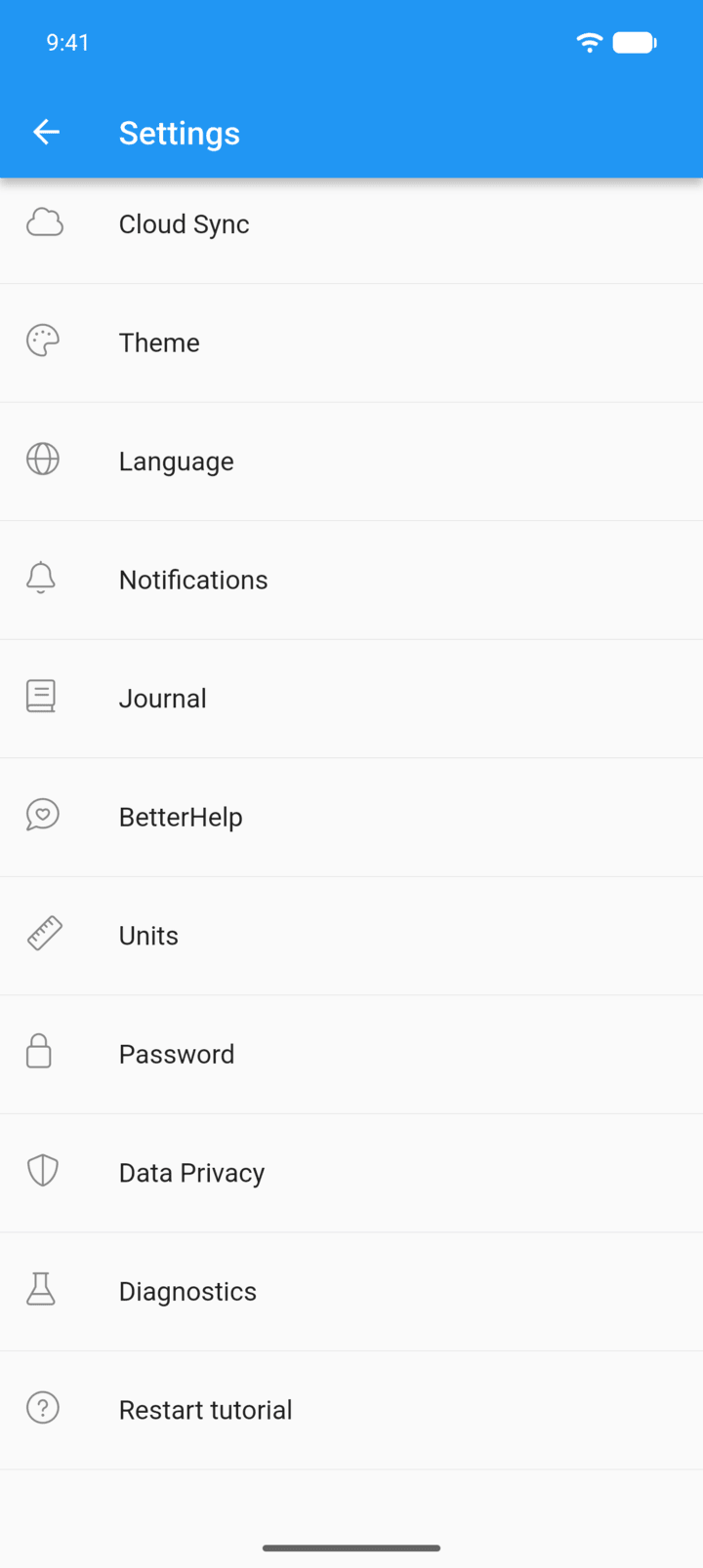
Tap the menu button ☰ in the top-left corner, then tap Settings › Cloud Sync.
-
Step 2
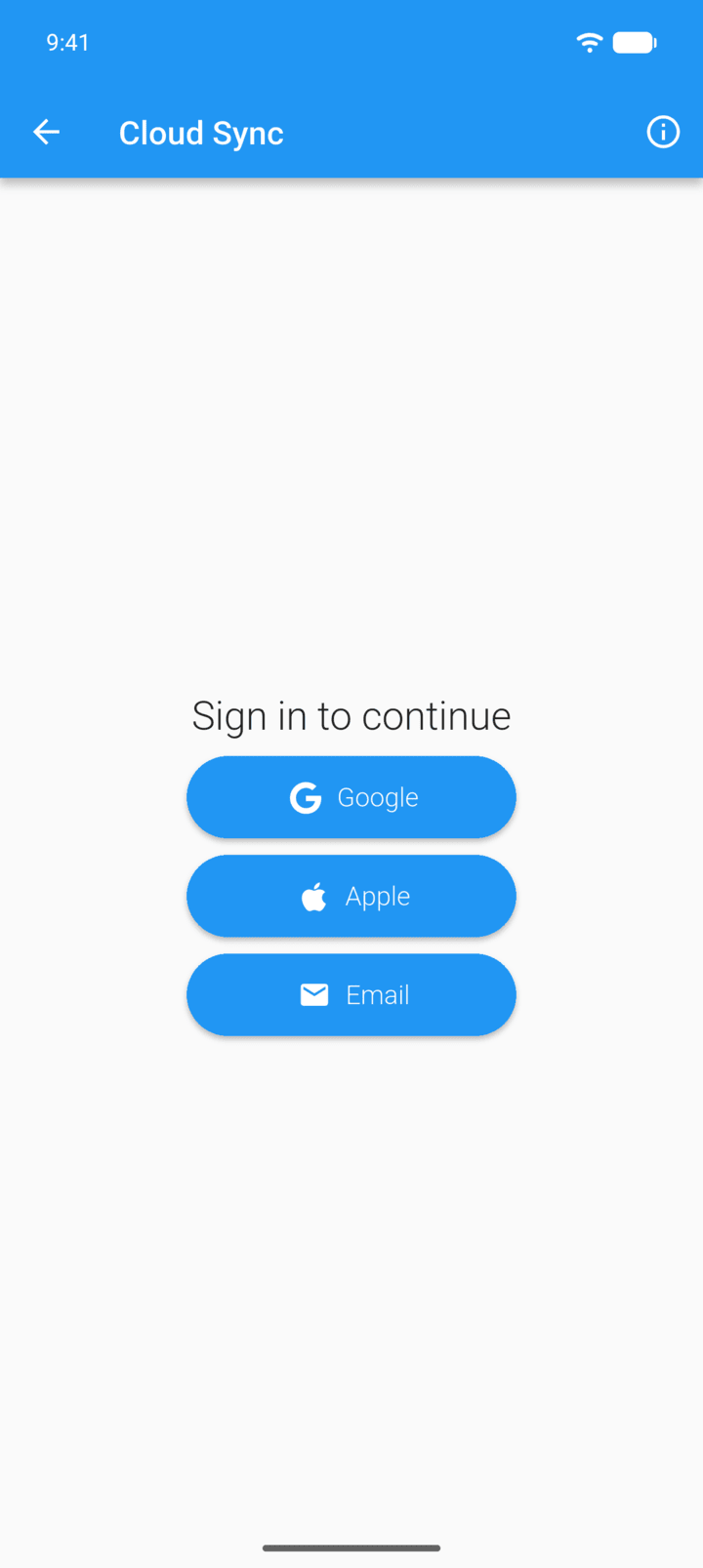
Sign in with Google, Apple or Email.
-
Step 3
Open Manual backups or Auto backups.
-
Step 4
Tap the trash icon on the backup, then tap Delete.
Deleted backups can't be recovered.
- Tap the menu button ☰ in the top-left corner, then tap Settings › Cloud Sync.
- Sign in with Google, Apple or Email.
- Open Manual backups or Auto backups.
- Tap the trash icon on the backup, then tap Delete.
Deleted backups can't be recovered.