 Sober Time
In this guide 4 steps
-
Overview
You can restore a backup without Premium, for example on a new phone.
-
Step 1
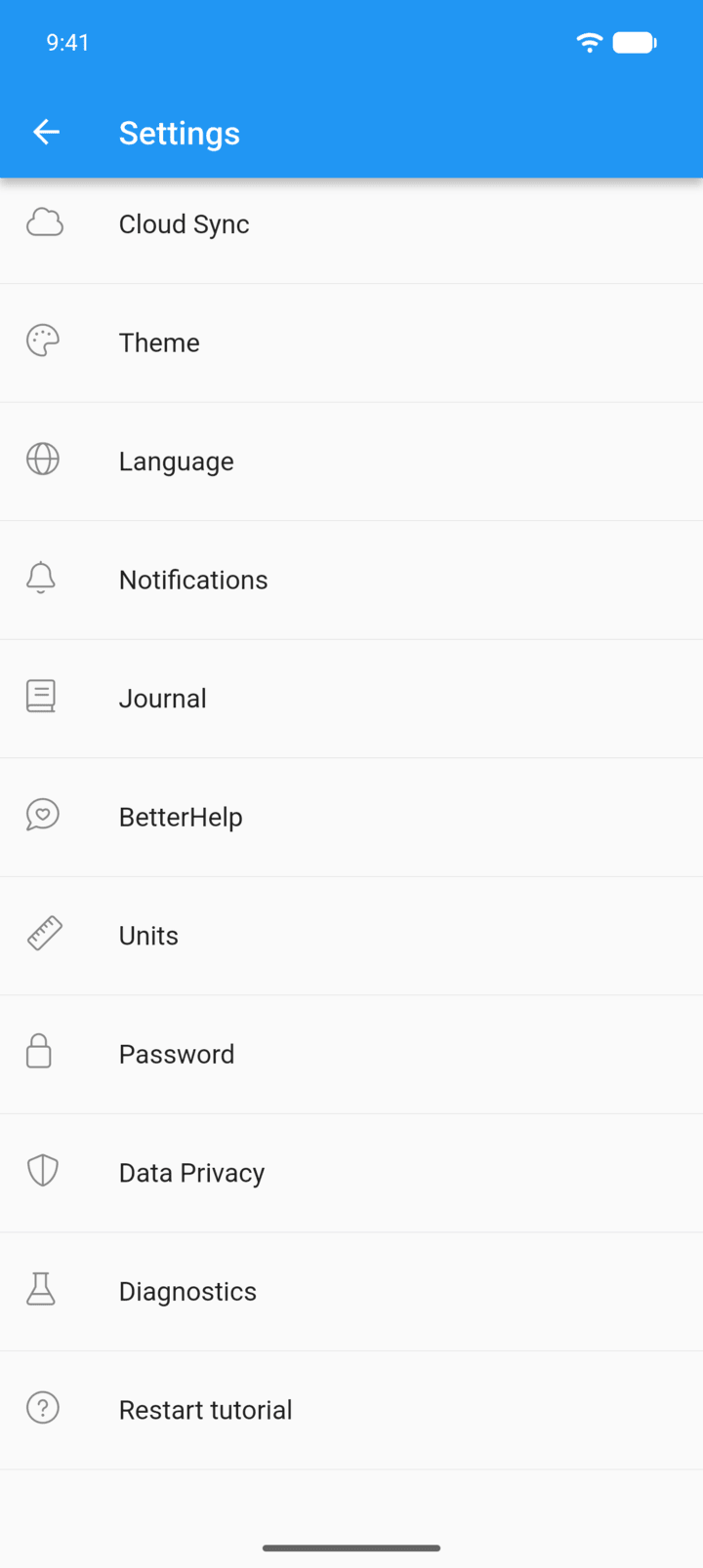
Tap the menu button ☰ in the top-left corner, then tap Settings › Cloud Sync.
-
Step 2
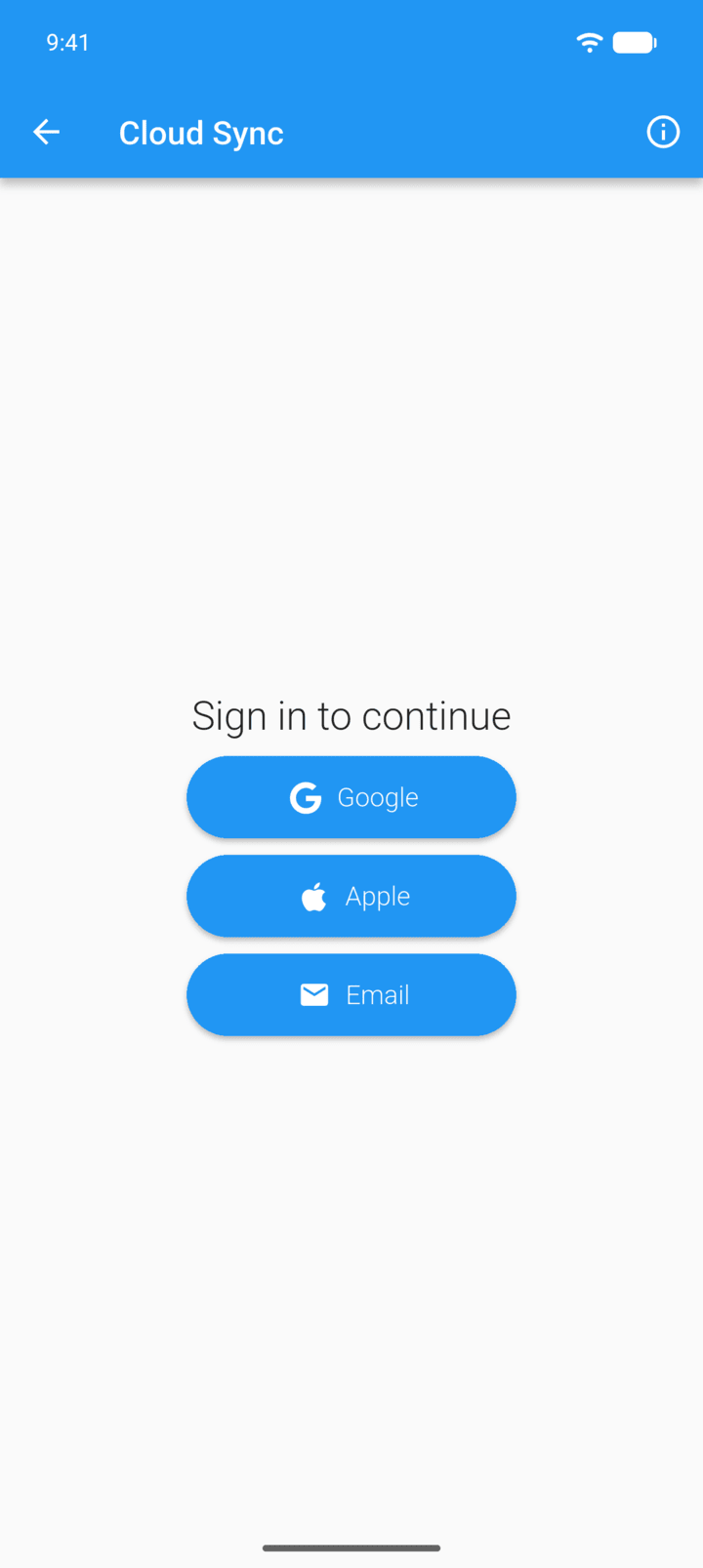
Sign in with Google, Apple or Email.
-
Step 3
Open Manual backups or Auto backups and find the backup you want. Each one shows the date, device and number of trackers and journal entries.
-
Step 4
Tap the download icon, then tap Restore.
Restoring replaces everything currently in the app. This can't be undone.
You can restore a backup without Premium, for example on a new phone.
- Tap the menu button ☰ in the top-left corner, then tap Settings › Cloud Sync.
- Sign in with Google, Apple or Email.
- Open Manual backups or Auto backups and find the backup you want. Each one shows the date, device and number of trackers and journal entries.
- Tap the download icon, then tap Restore.
Restoring replaces everything currently in the app. This can't be undone.