 Sober Time
In this guide 3 steps
-
Step 1
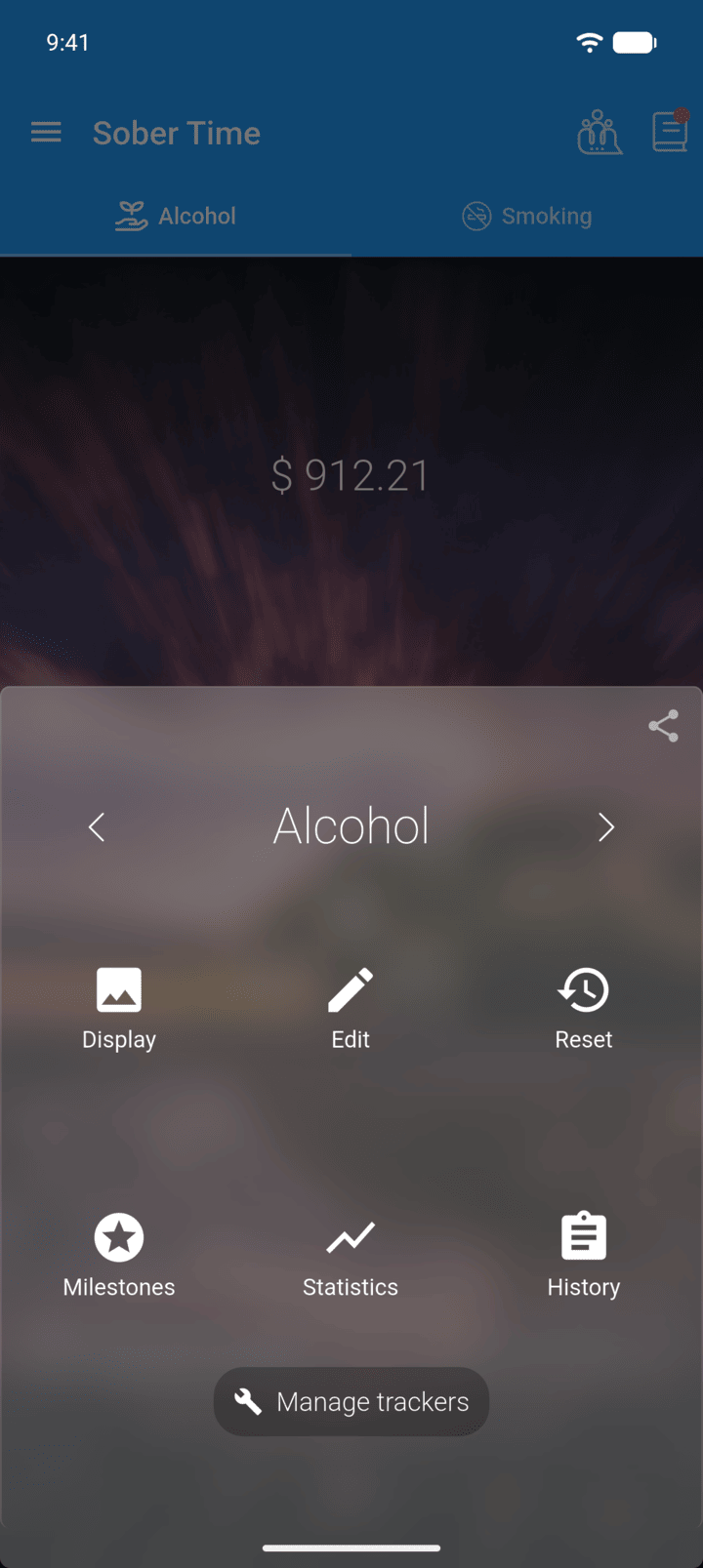
On the Home screen, swipe to the tracker you want. Tap the round arrow button at the bottom of the screen to open its options. Tap History.
-
Step 2
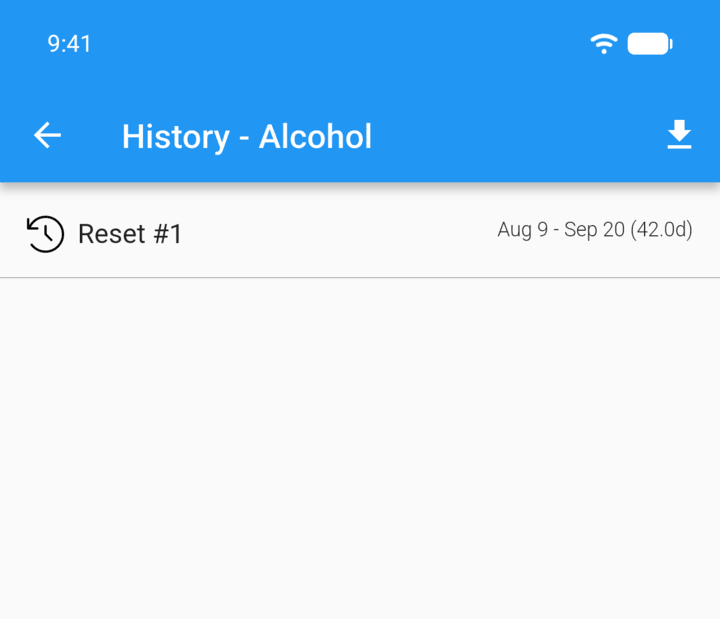
Tap the entry you want to delete.
-
Step 3
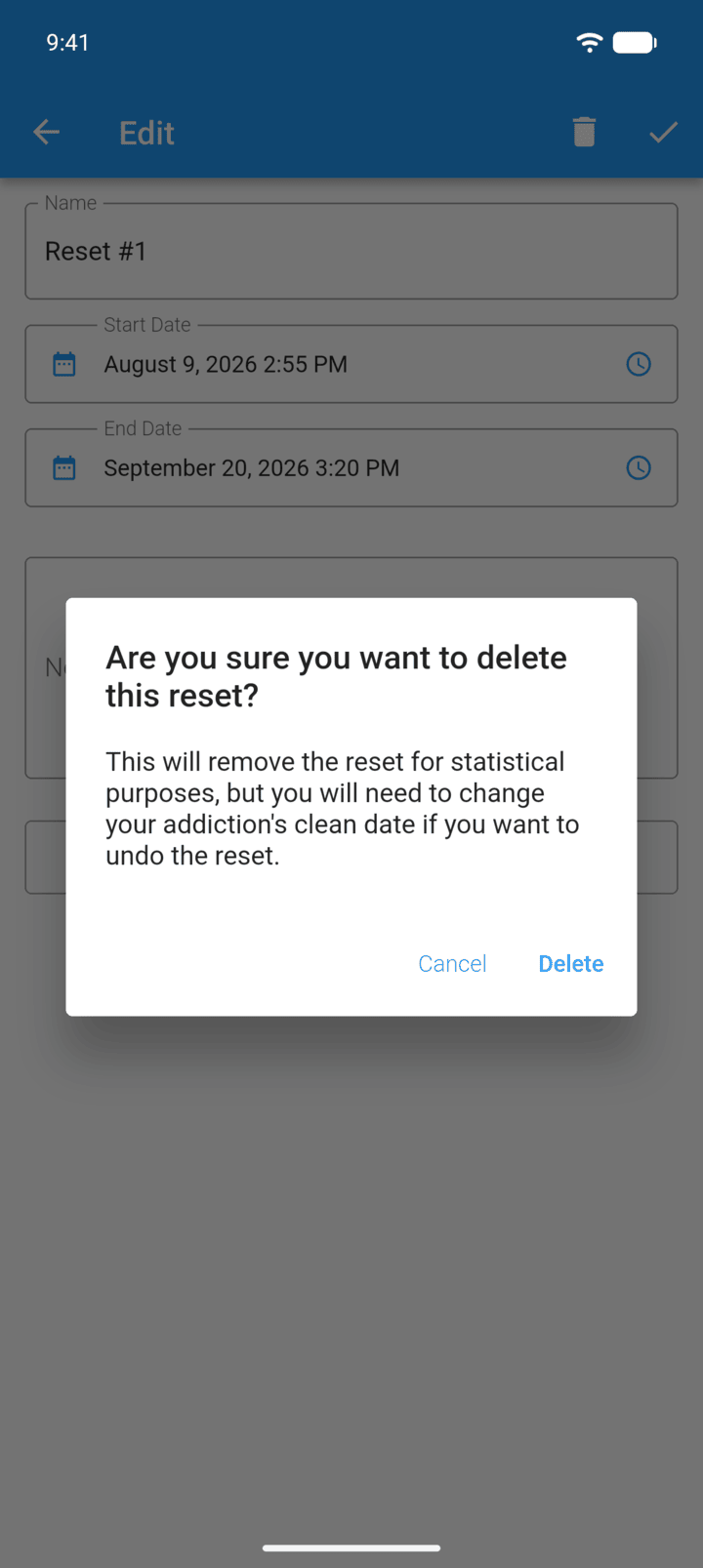
Tap the trash icon in the top-right corner, then tap Delete.
-
Deleting an entry removes it from your statistics, but doesn't change the tracker's clean date. To count from an earlier date, change Clean Date in Edit.
- On the Home screen, swipe to the tracker you want. Tap the round arrow button at the bottom of the screen to open its options. Tap History.
- Tap the entry you want to delete.
- Tap the trash icon in the top-right corner, then tap Delete.
Deleting an entry removes it from your statistics, but doesn't change the tracker's clean date. To count from an earlier date, change Clean Date in Edit.