 Sober Time
In this guide 4 steps
-
Overview
You can ask for a password every time Sober Time opens.
-
Step 1
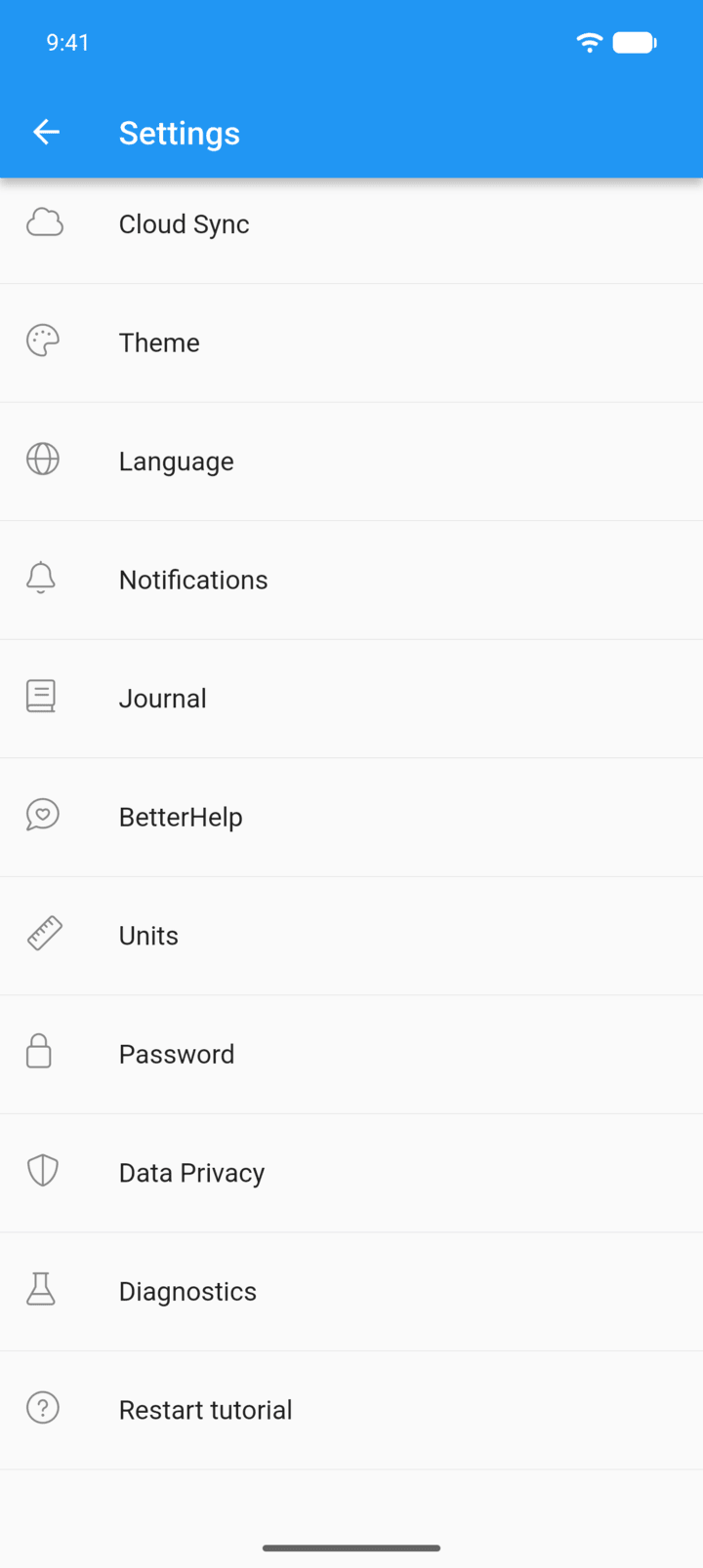
Tap the menu button ☰ in the top-left corner, then tap Settings.
-
Step 2
Tap Password.
-
Step 3
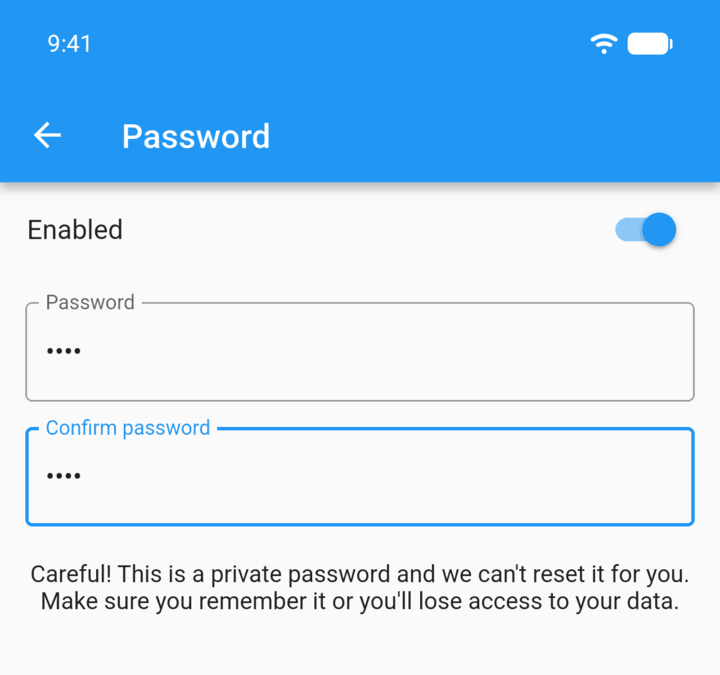
Enter a password in Password and again in Confirm password, then turn on Enabled.
-
Step 4
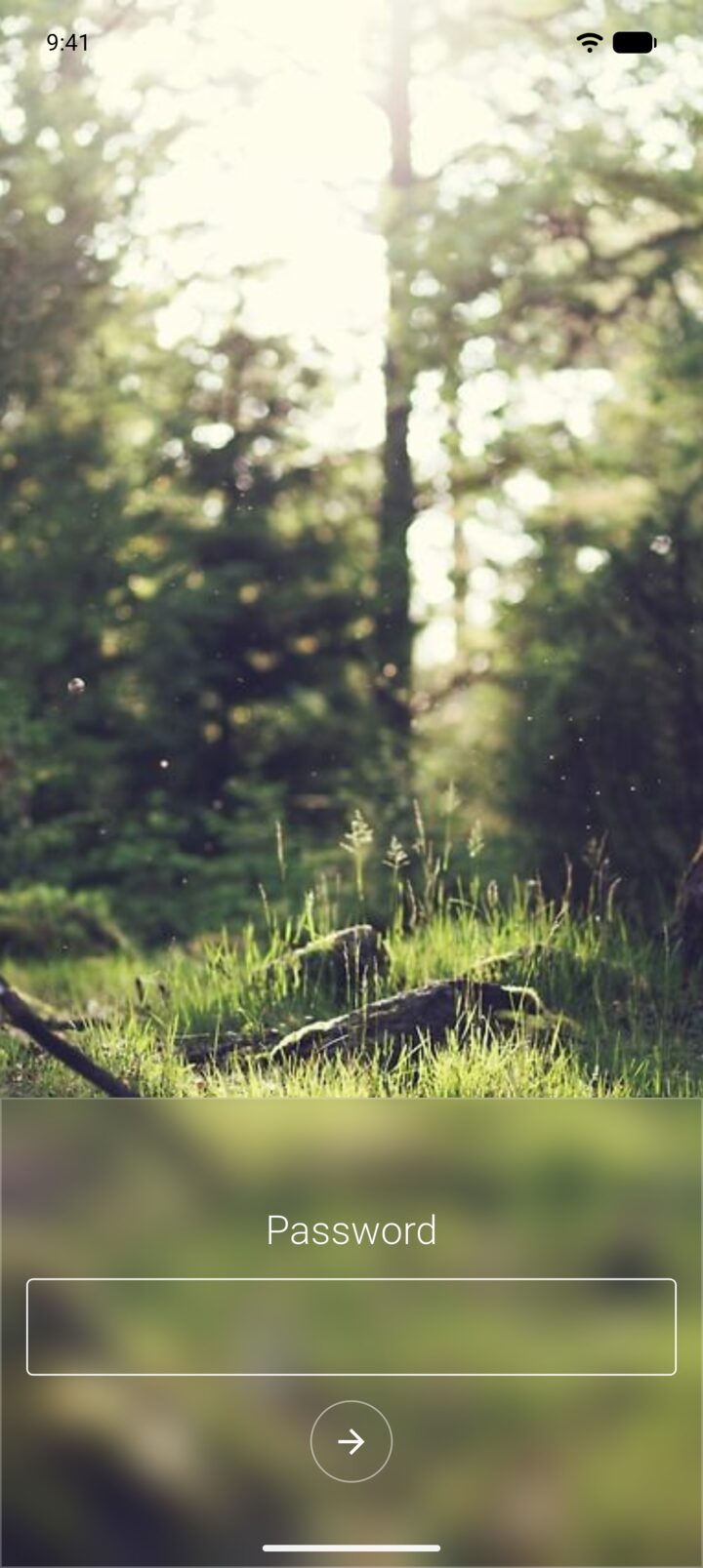
The next time you open Sober Time, enter the password and tap the arrow.
-
We can't reset this password for you. If you forget it, you lose access to the data in the app.
To remove the password, open Settings › Password and turn off Enabled.
You can ask for a password every time Sober Time opens.
- Tap the menu button ☰ in the top-left corner, then tap Settings.
- Tap Password.
- Enter a password in Password and again in Confirm password, then turn on Enabled.
- The next time you open Sober Time, enter the password and tap the arrow.
We can't reset this password for you. If you forget it, you lose access to the data in the app.
To remove the password, open Settings › Password and turn off Enabled.