 Sober Time
In this guide 2 steps
-
Overview
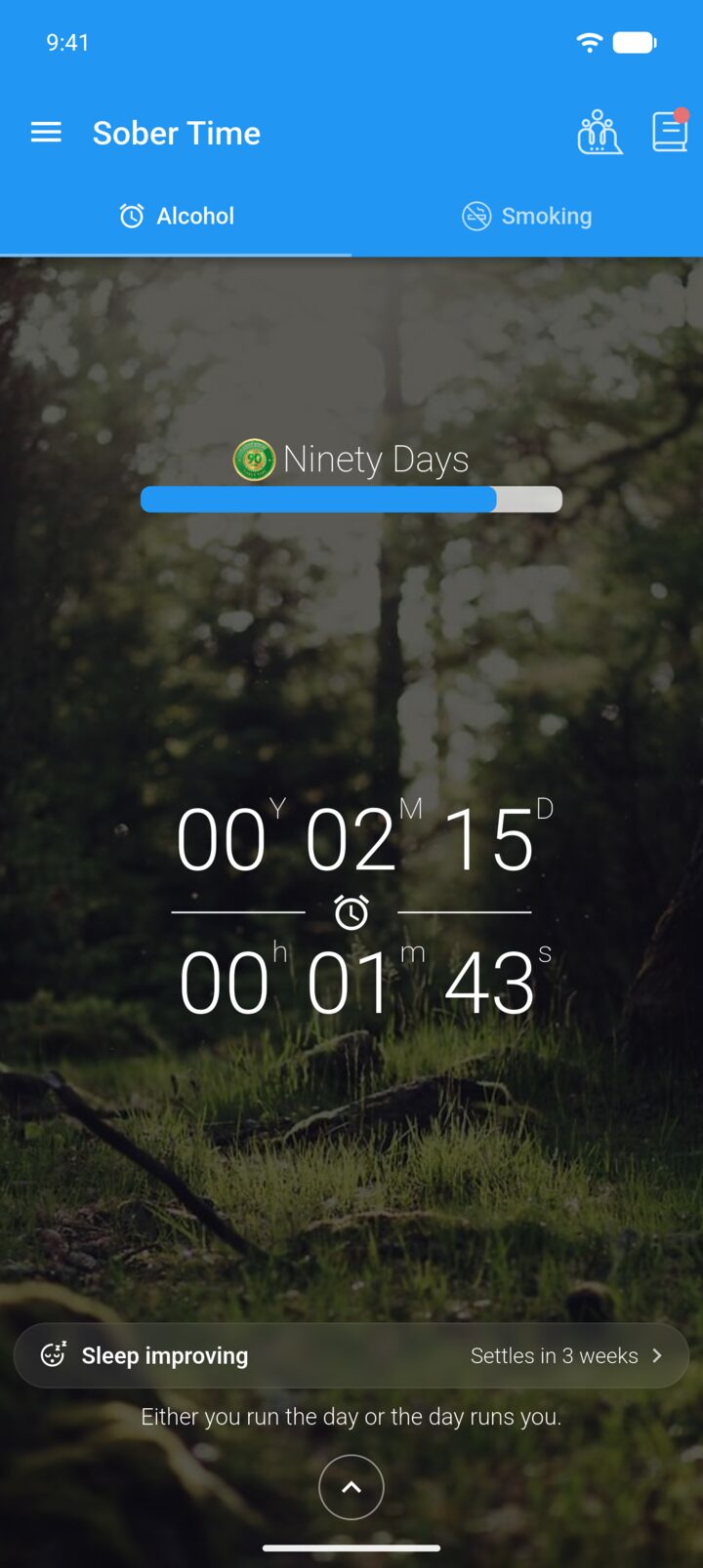
Sober Time shows a new motivational message every day, under the tracker on the Home screen.
-
Step 1
On the Home screen, tap the message under the tracker.
-
Step 2
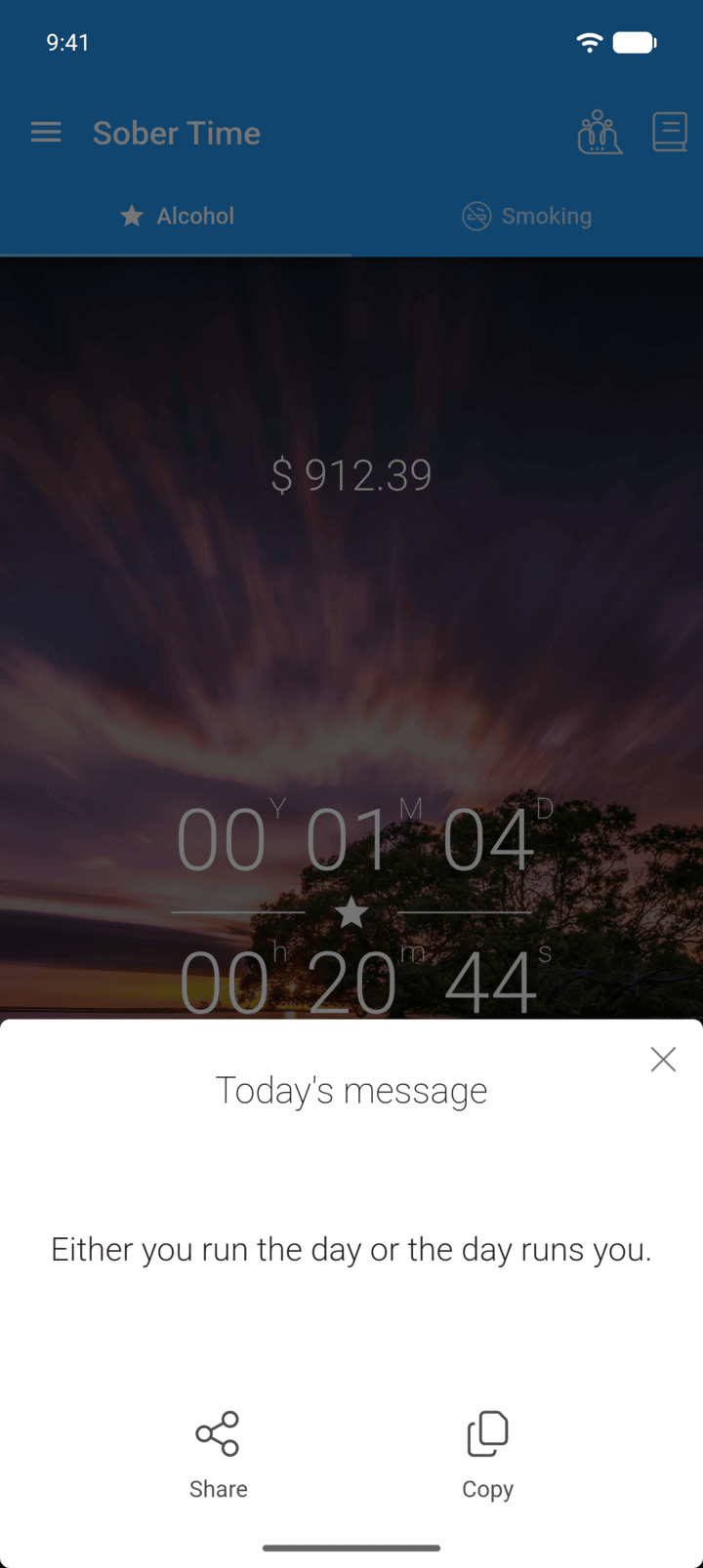
Tap Share to send it to another app, or Copy to copy the text.
-
To get the message as a daily notification, turn on Motivational messages in Settings › Notifications.
Sober Time shows a new motivational message every day, under the tracker on the Home screen.
- On the Home screen, tap the message under the tracker.
- Tap Share to send it to another app, or Copy to copy the text.
To get the message as a daily notification, turn on Motivational messages in Settings › Notifications.