 7Z
7Z
In this guide 3 steps
-
Overview
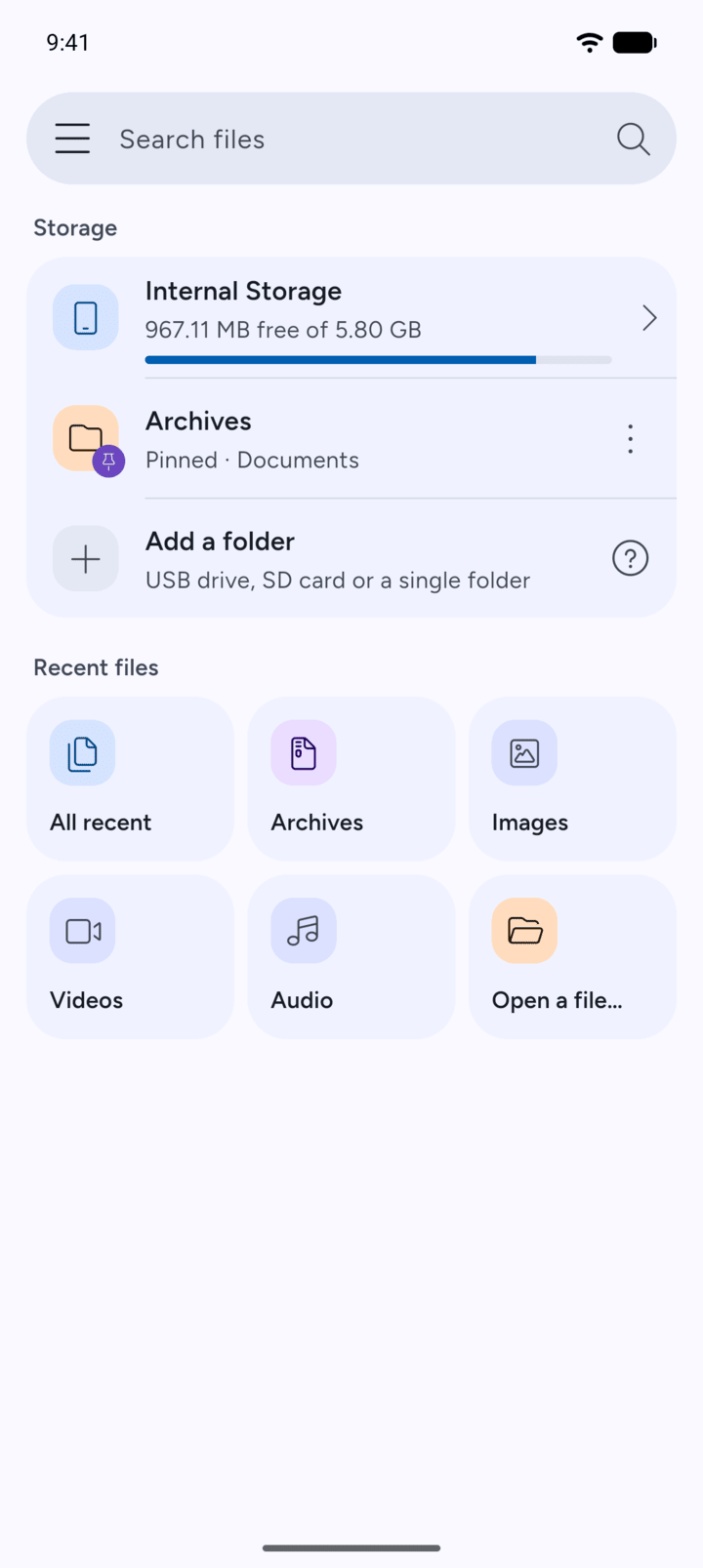
The Recent files section on Home shows the newest files on your phone, sorted by type.
-
Step 1
On Home, look under Recent files. Tap All recent for the 25 most recent files, or tap Archives, Images, Videos or Audio to see one type.
-
Step 2
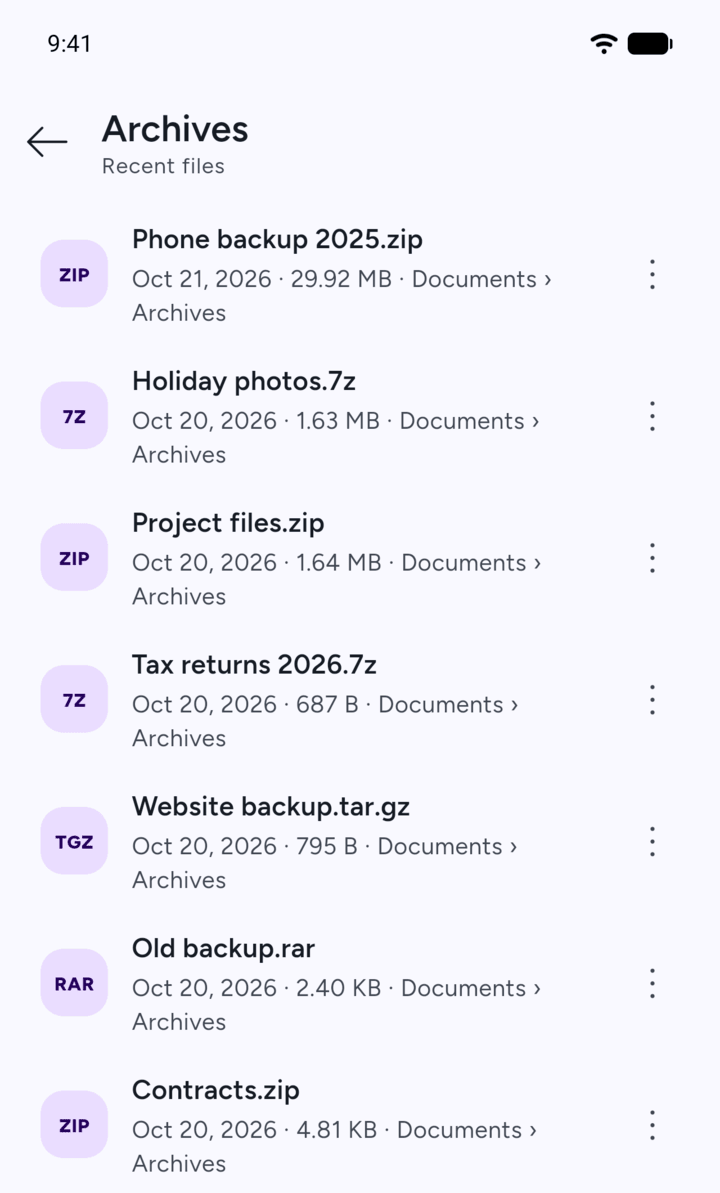
Each file shows its date, size and the folder it's in. Tap the three dots next to a file for its options.
-
Step 3
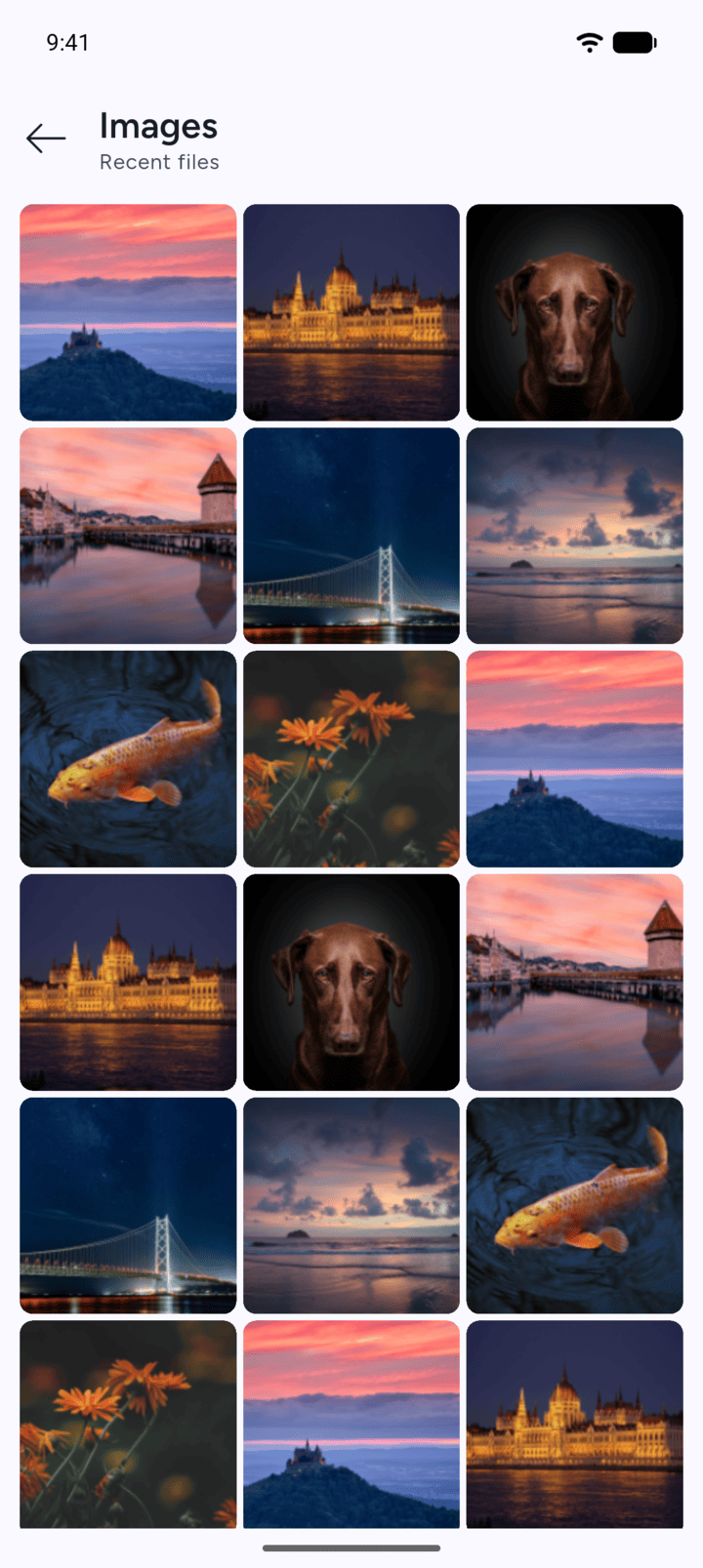
Images show as a grid of pictures.
-
Looking for a file that isn't on the list? Use Search files at the top of Home, or tap Open a file….
The Recent files section on Home shows the newest files on your phone, sorted by type.
- On Home, look under Recent files. Tap All recent for the 25 most recent files, or tap Archives, Images, Videos or Audio to see one type.
- Each file shows its date, size and the folder it's in. Tap the three dots next to a file for its options.
- Images show as a grid of pictures.
Looking for a file that isn't on the list? Use Search files at the top of Home, or tap Open a file….