 7Z
7Z
In this guide 4 steps
-
Overview
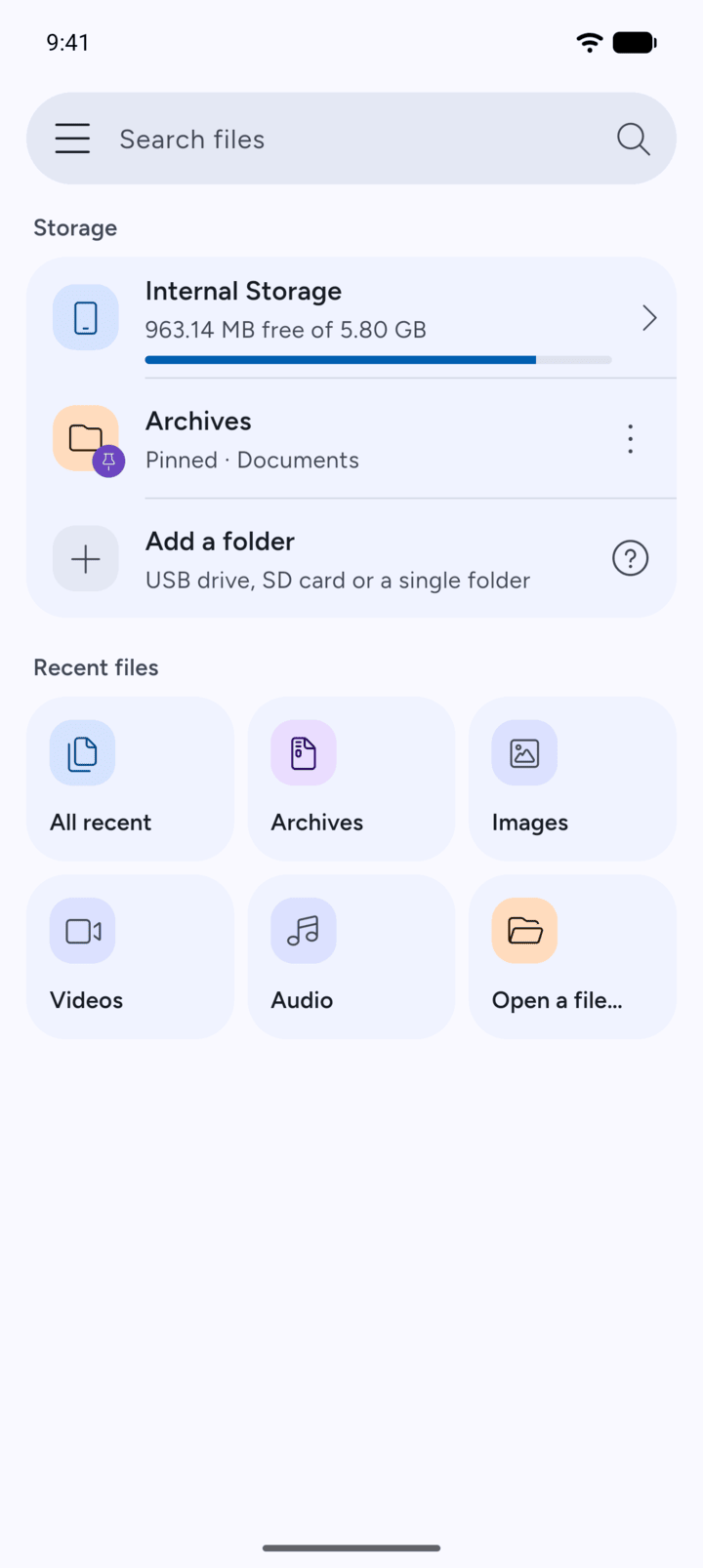
Open a file… lets you pick a file with Android's own file picker.
-
Step 1
On Home, tap Open a file… under Recent files.
-
Step 2
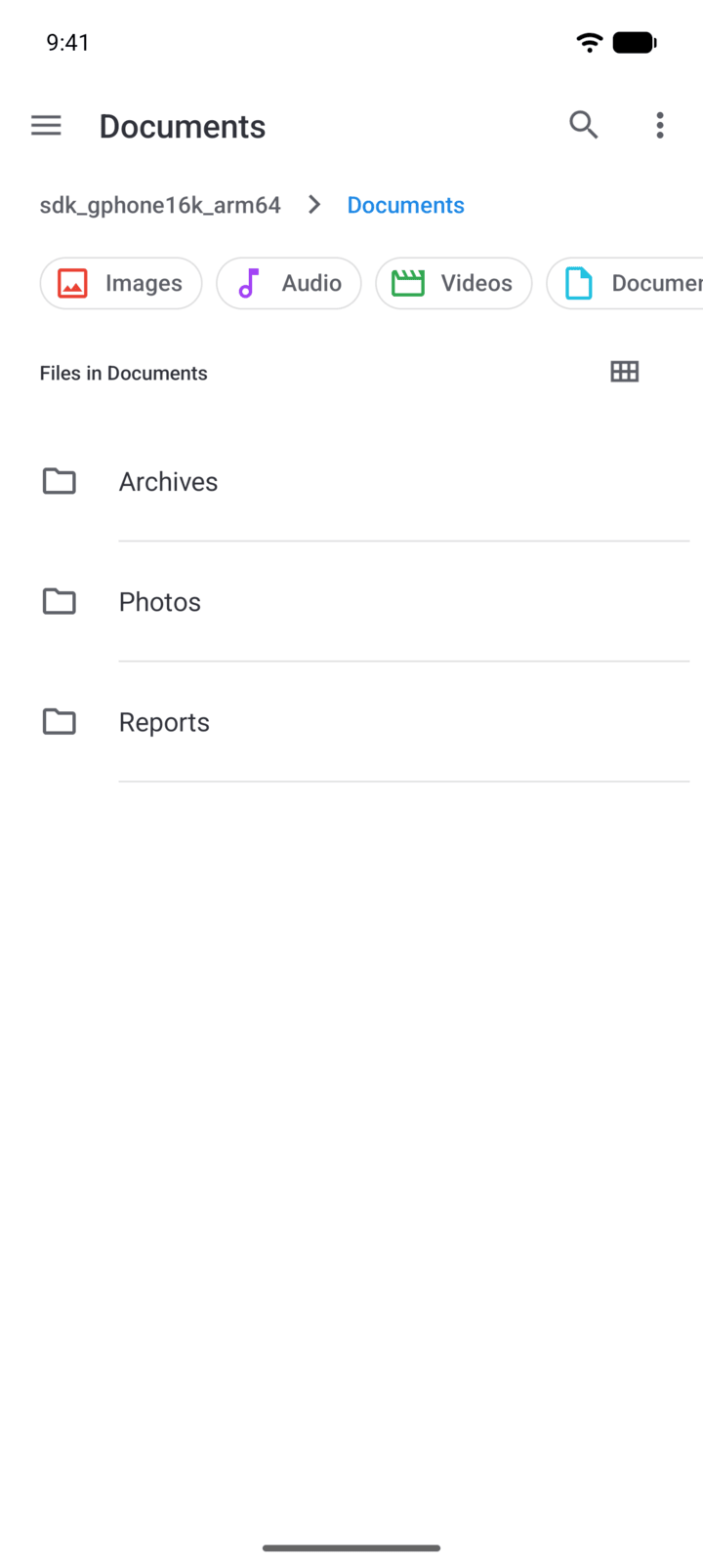
Android's file picker opens. Go to the folder that holds the file.
-
Step 3
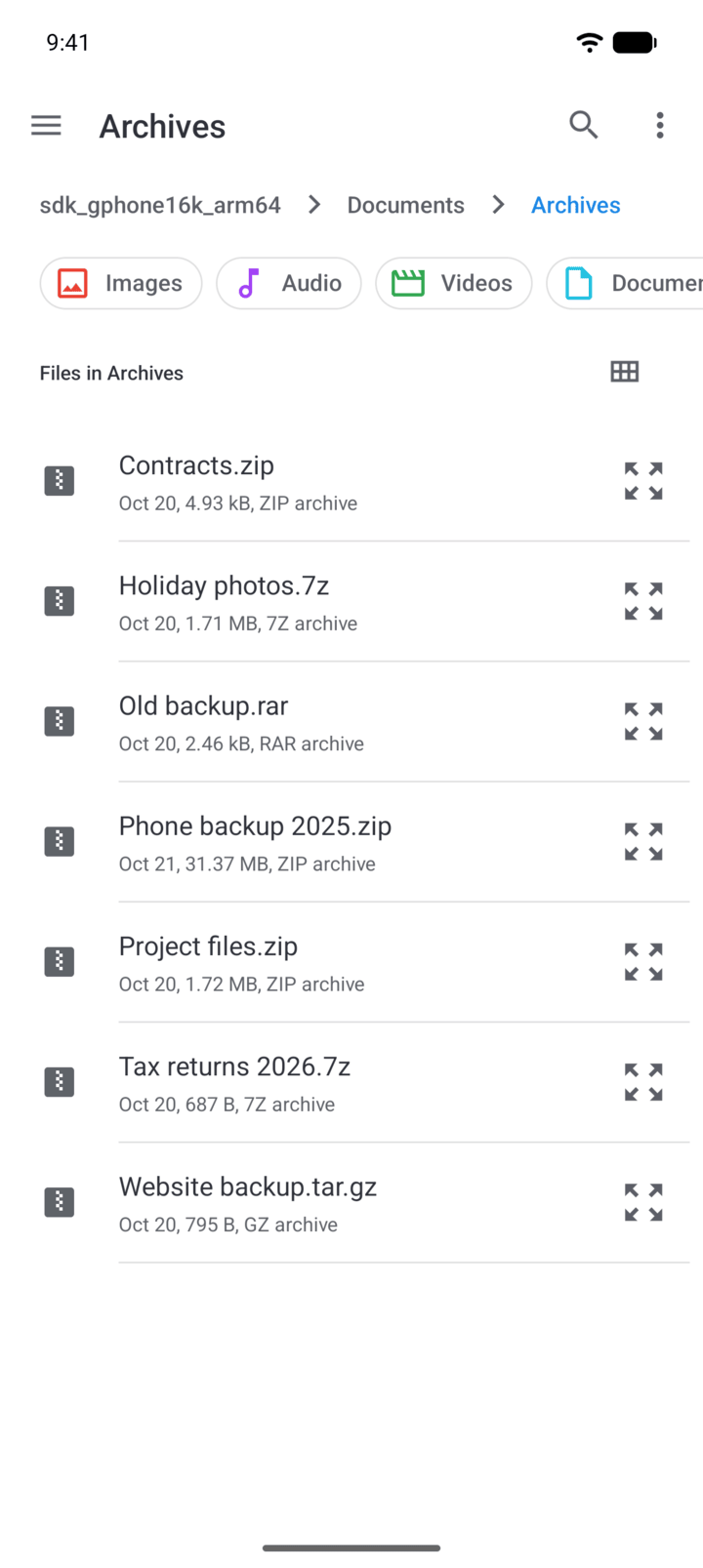
Tap the file.
-
Step 4
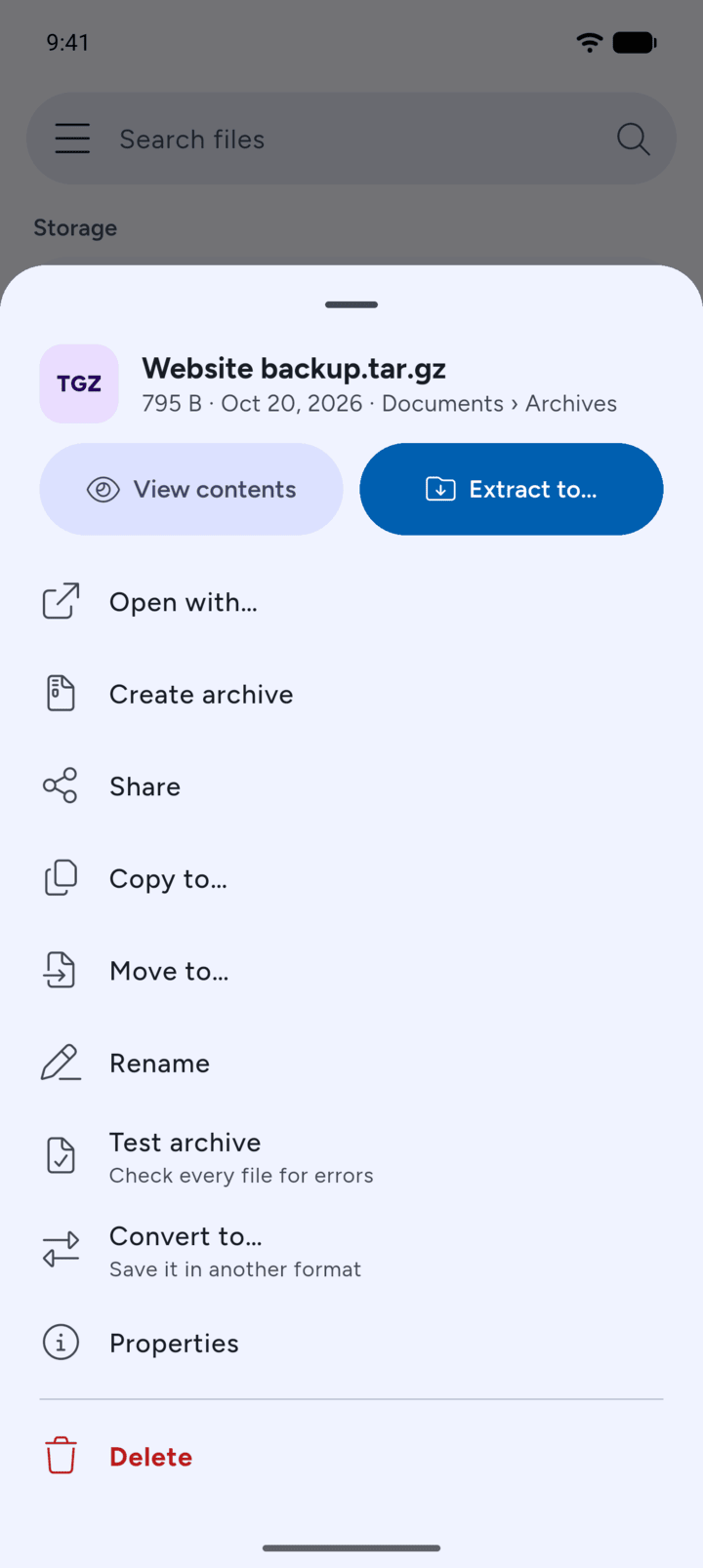
7Z shows the file's options. For an archive, tap View contents or Extract to….
Open a file… lets you pick a file with Android's own file picker.
- On Home, tap Open a file… under Recent files.
- Android's file picker opens. Go to the folder that holds the file.
- Tap the file.
- 7Z shows the file's options. For an archive, tap View contents or Extract to….