 7Z
7Z
In this guide 3 steps
-
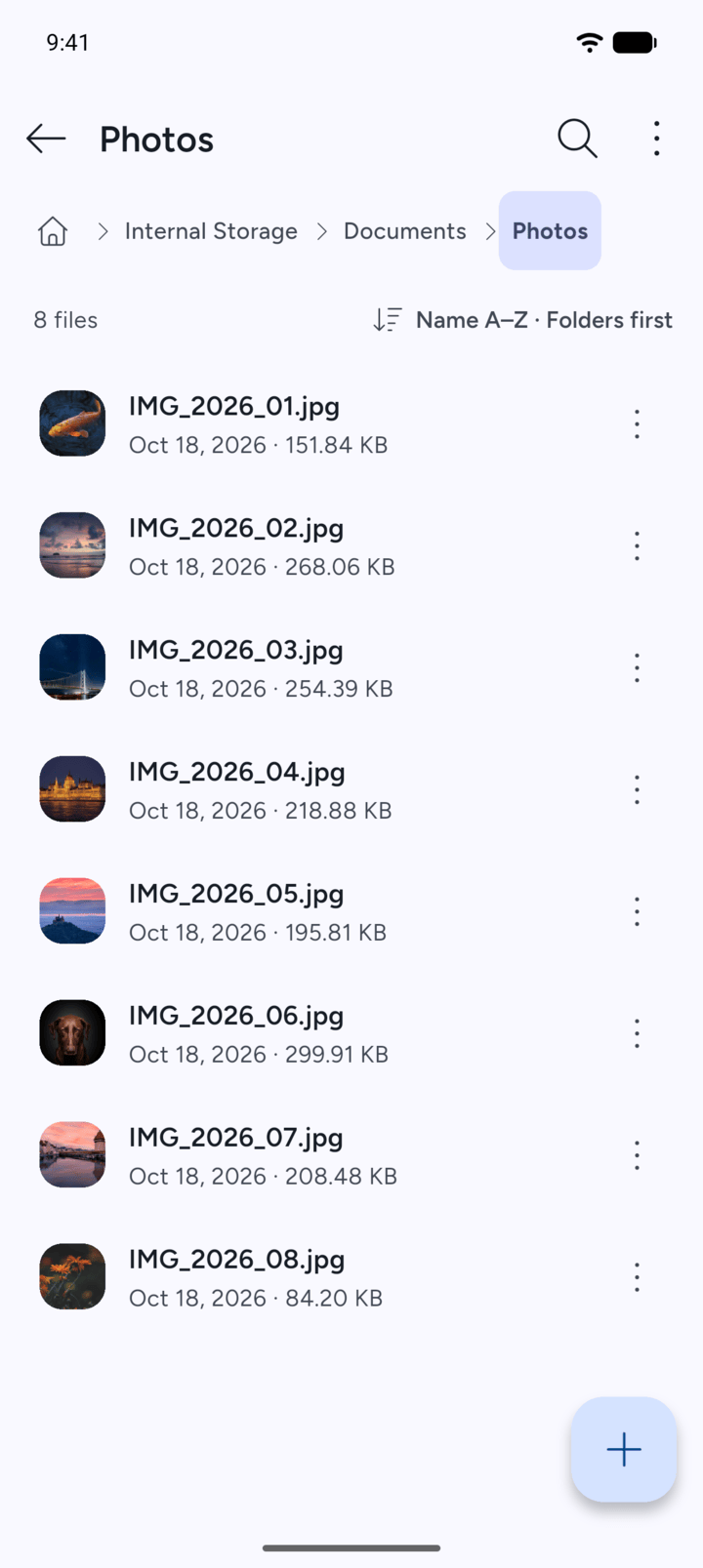
Step 1
Open the folder that holds the file.
-
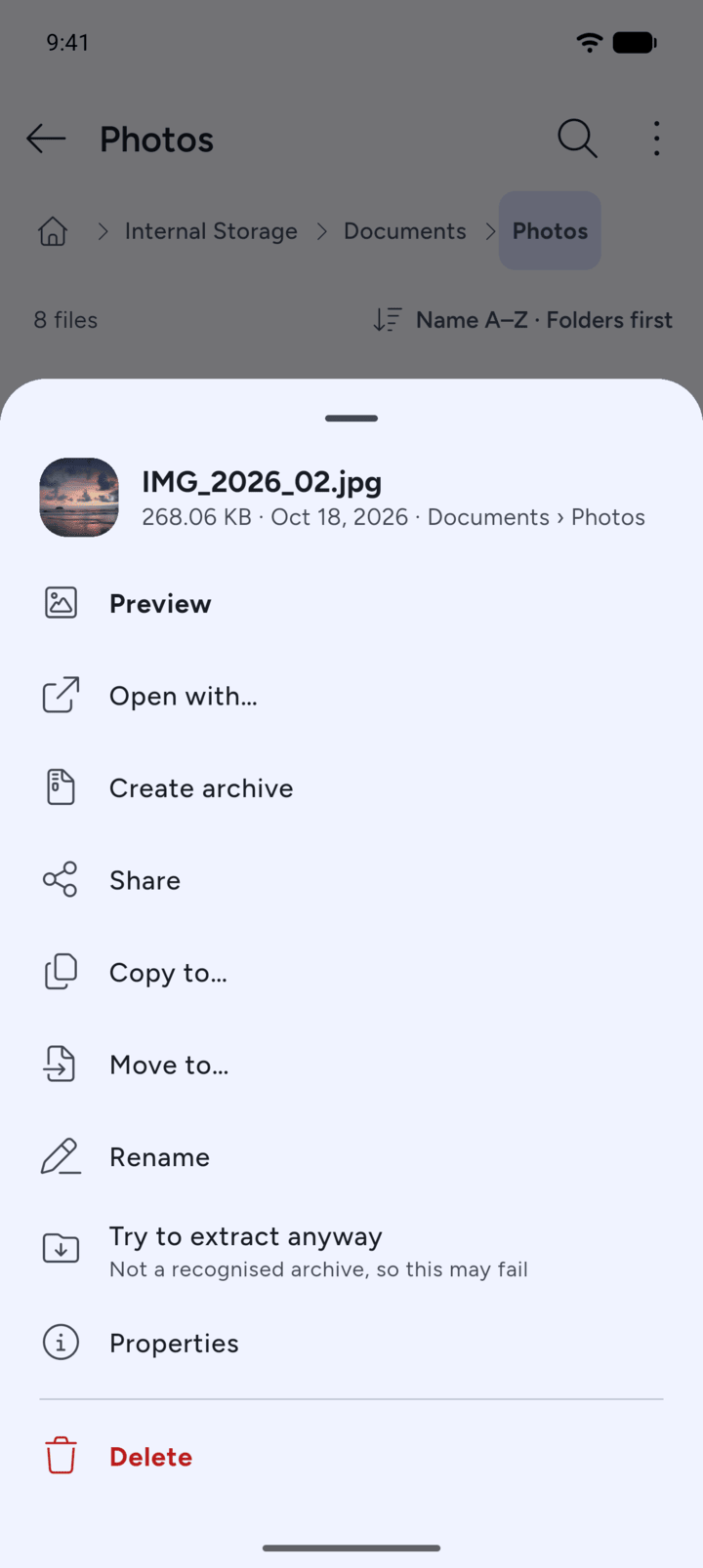
Step 2
Tap the three dots next to the file and tap Open with….
-
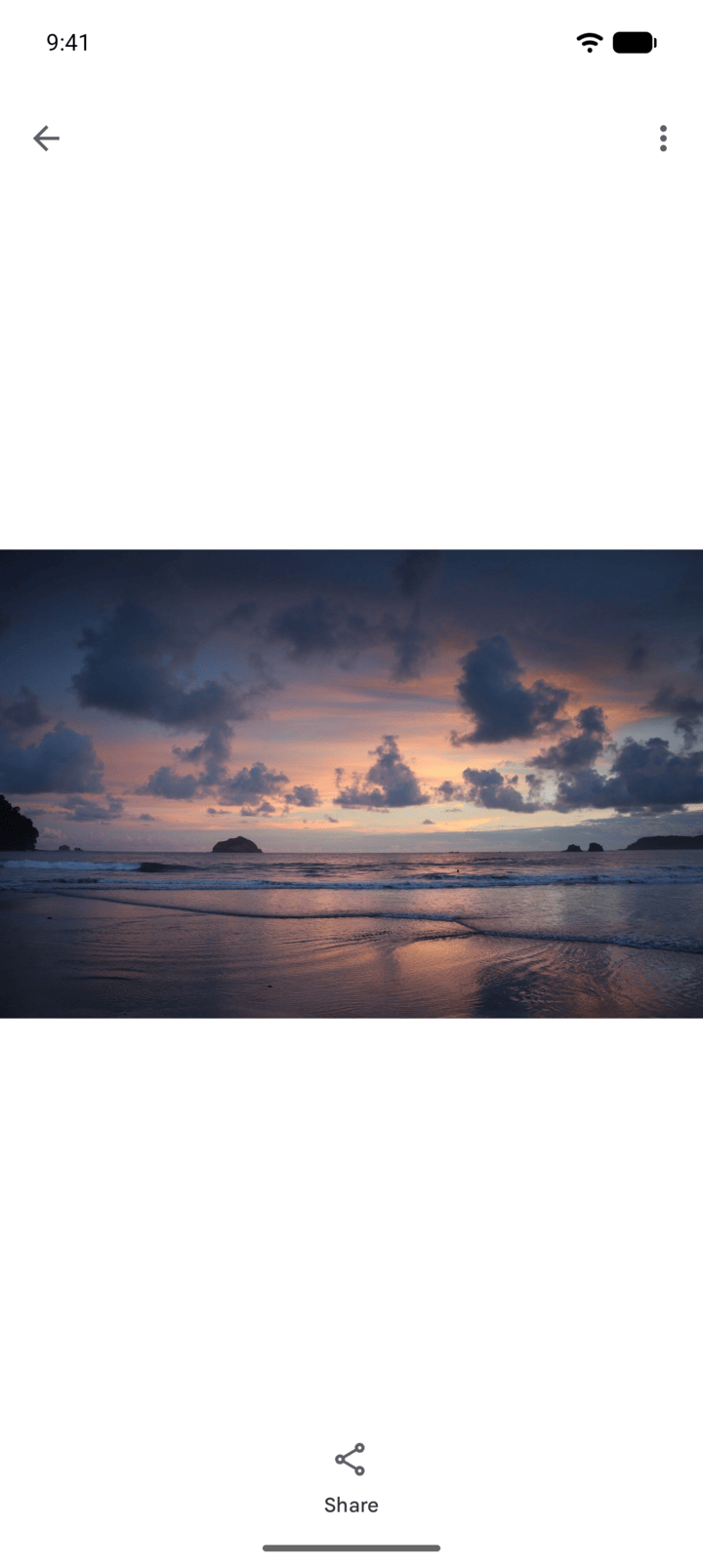
Step 3
Choose an app. If only one app on your phone can open the file, it opens in that app straight away.
-
If no app can open the file, 7Z shows No app on this phone can open this file.
- Open the folder that holds the file.
- Tap the three dots next to the file and tap Open with….
- Choose an app. If only one app on your phone can open the file, it opens in that app straight away.
If no app can open the file, 7Z shows No app on this phone can open this file.