 Sober Time
In this guide 3 steps
-
Step 1
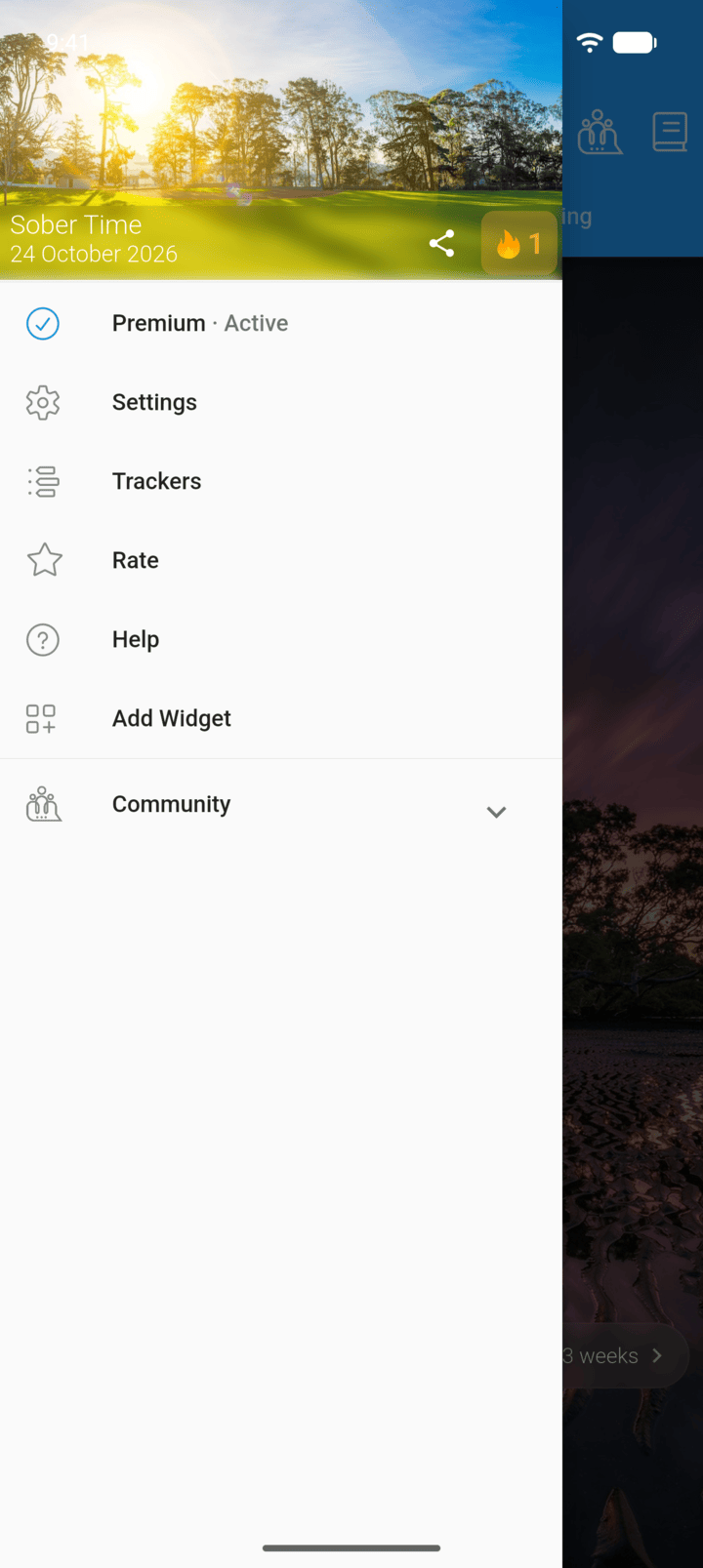
Tap the menu button ☰ in the top-left corner, then tap Trackers.
-
Step 2
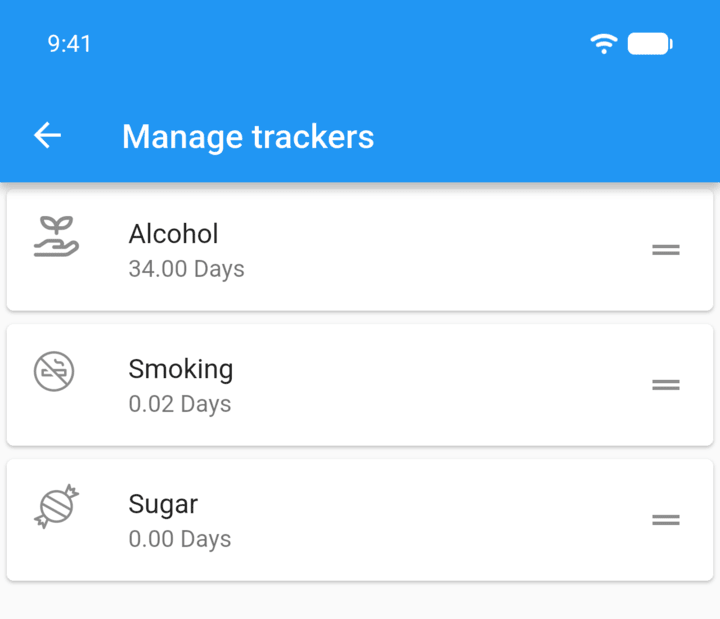
Touch and hold a tracker, then drag it to a new position.
-
Step 3
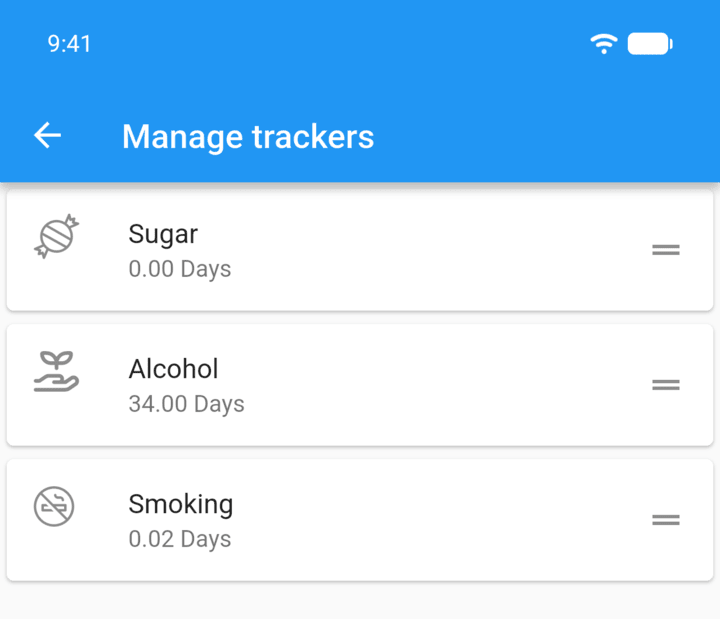
Let go. The tabs on the Home screen follow the new order.
- Tap the menu button ☰ in the top-left corner, then tap Trackers.
- Touch and hold a tracker, then drag it to a new position.
- Let go. The tabs on the Home screen follow the new order.